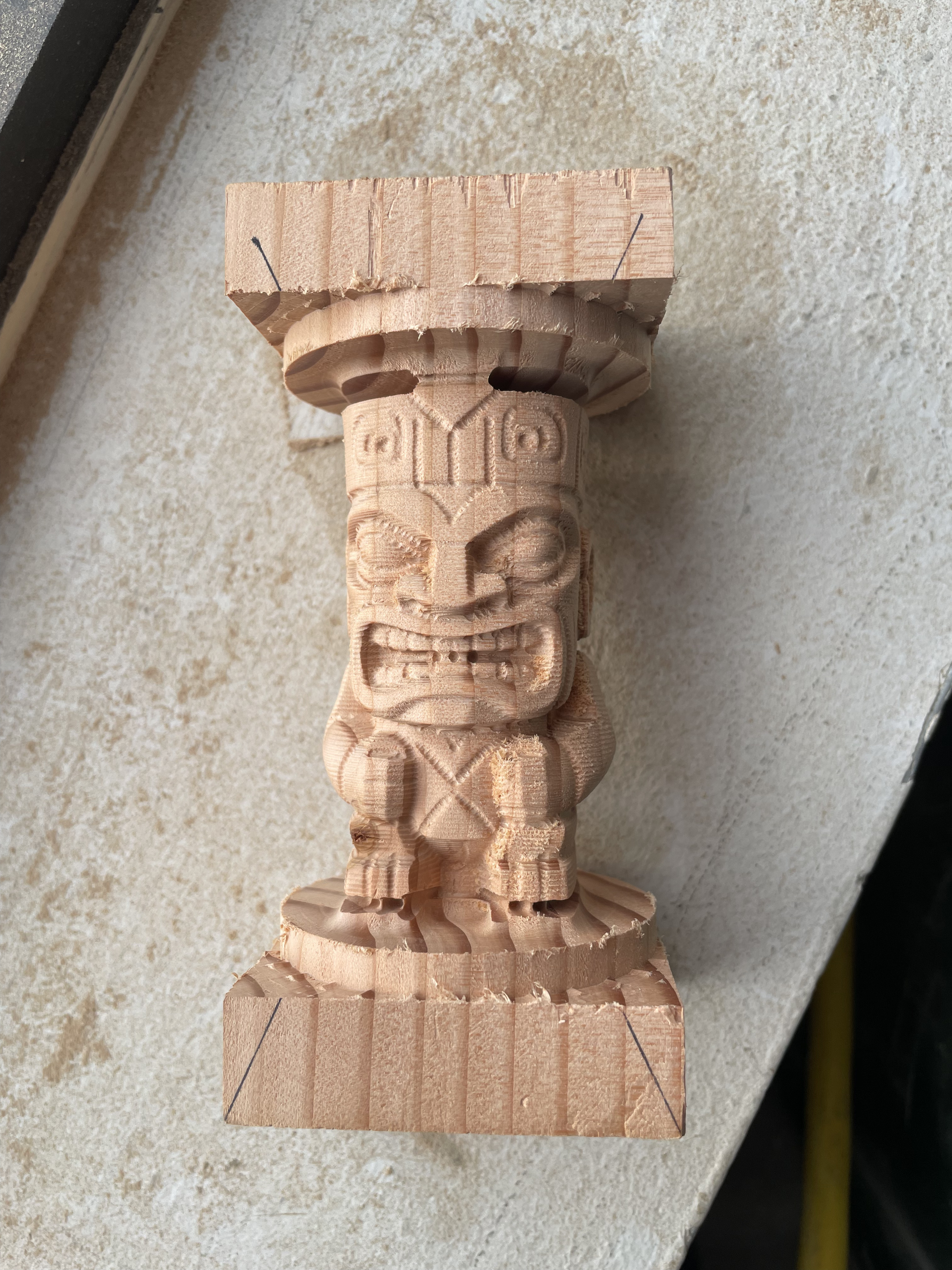
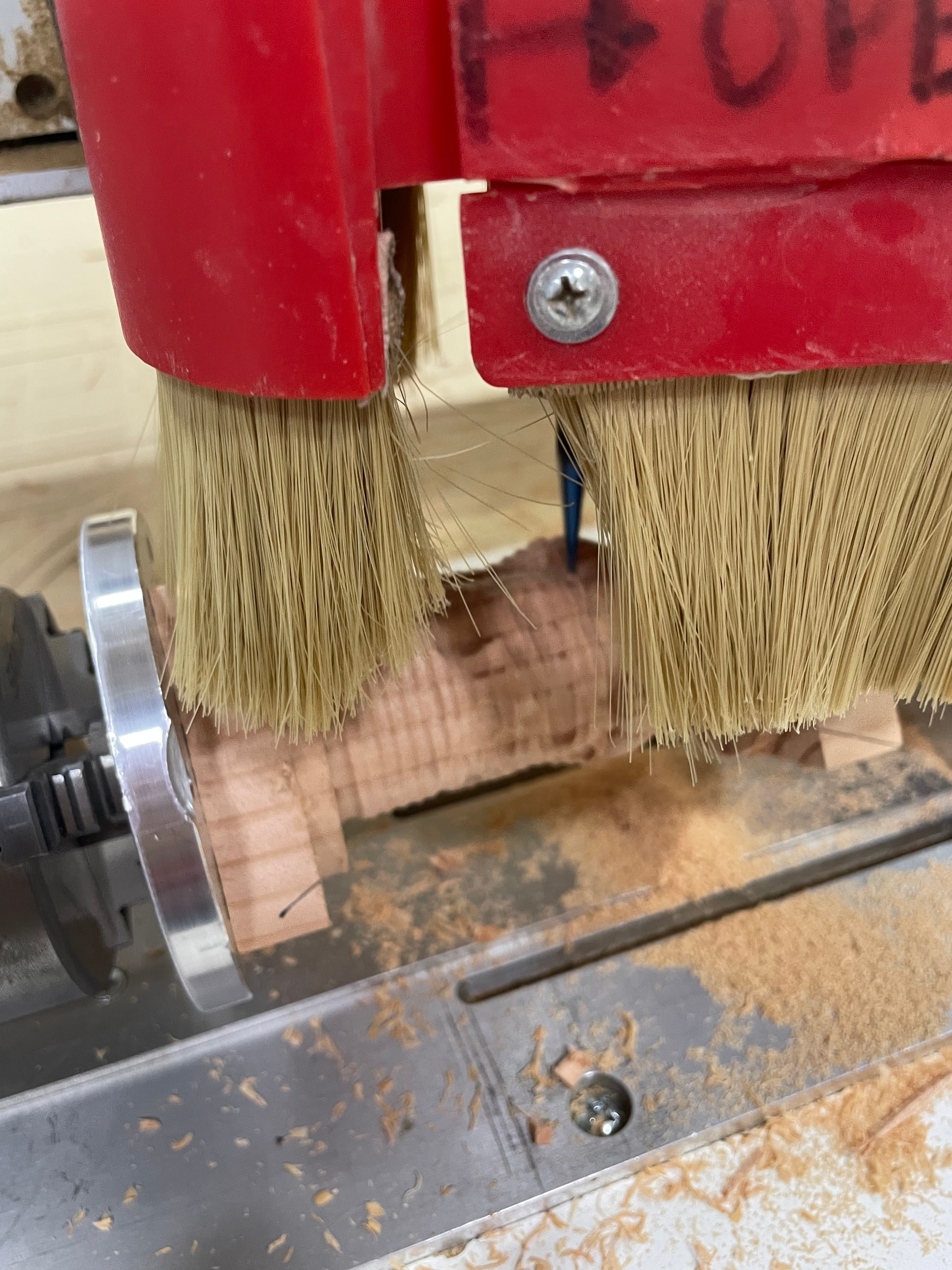
With the help of Al Watson and a little AI-generated Python programming I was able to use VCarve to drive the CNC Rotary. Three tool paths: Rounding (via a gadget), Roughing and Finish and took about 90 minutes. Is it perfect, no, but it’s a good start. I’ll present what I did this Sunday, May 3rd at the CNC SIG.
Some problems that the Python conversion program has to fix-up
Change file extension from .NC to .mmg.
Convert all Y-axis values to be A-axis values.
On the first G00 command set a default Y-axis value to Y0.000. If everything is switched to the A-axis then the Y-axis is undefined so define it as 0.000 which is good enough, that is, it is aligned with the axis of revolution.
Reorder output from [X] [Y] [Z][F] to [X] [Z] [A] [F].
Insert a halfway-point as a G00 or G01 GCode line between adjacent lines with A0 to A360, A360 to A0, A-180 to A180, and A180 to A-180 to create a full revolution for generating tabs. Reason: If the starting angle value and the ending angle value are the same then the CNC ignores the GCODE and doesn’t move. For example, it does not cut a circle of revolution when one line has A0 and the next line has A360 with everything else being the same. So I insert an matching G00 or G01 GCODE with an angle halfway around. In other words, it now works and moves from A0 to A180 to A360.
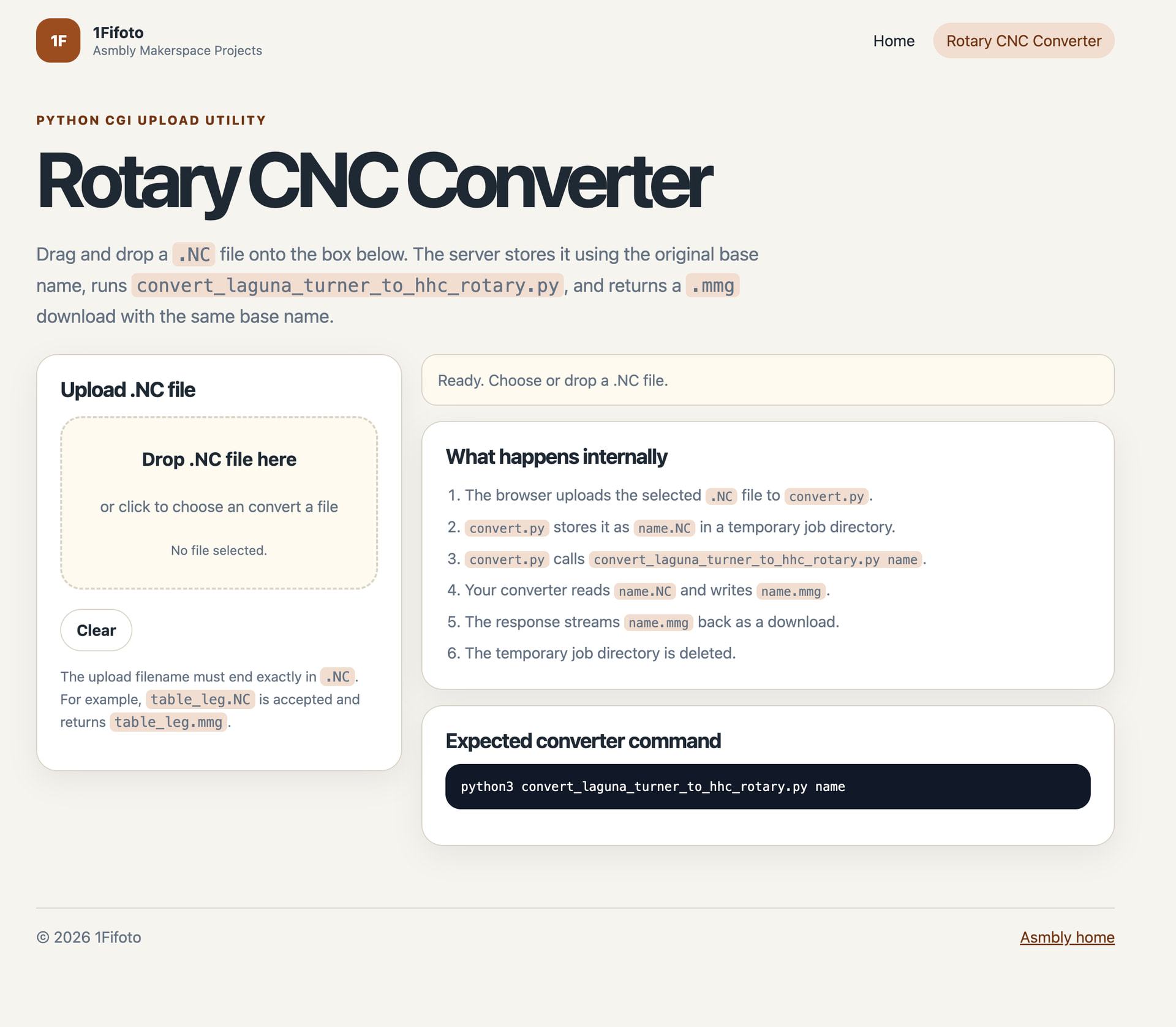
We need to have Python installed on all Asmbly computers especially the two CNC computers and the open-access ones outside of the MPR. OR The conversion program should be accessible as an upload/download webpage from our Asmbly website.
P.S. Added a bit more definition based upon the reply from Al Watson below.
I think Vcarve post-processor changes could accomplish 1-4. Not sure I understand what 5 is doing.
It sounded like Vcarve will install a post-processor for us, we just have no way to test it in advance of it being installed. With your python script experiment, we have more confidence on what modifications are needed.
And drag & drop your Laguna Turner .NC file and it will automatically convert it to an Asmbly Laguna Swift Rotary file (.mmg) and download it back to you.
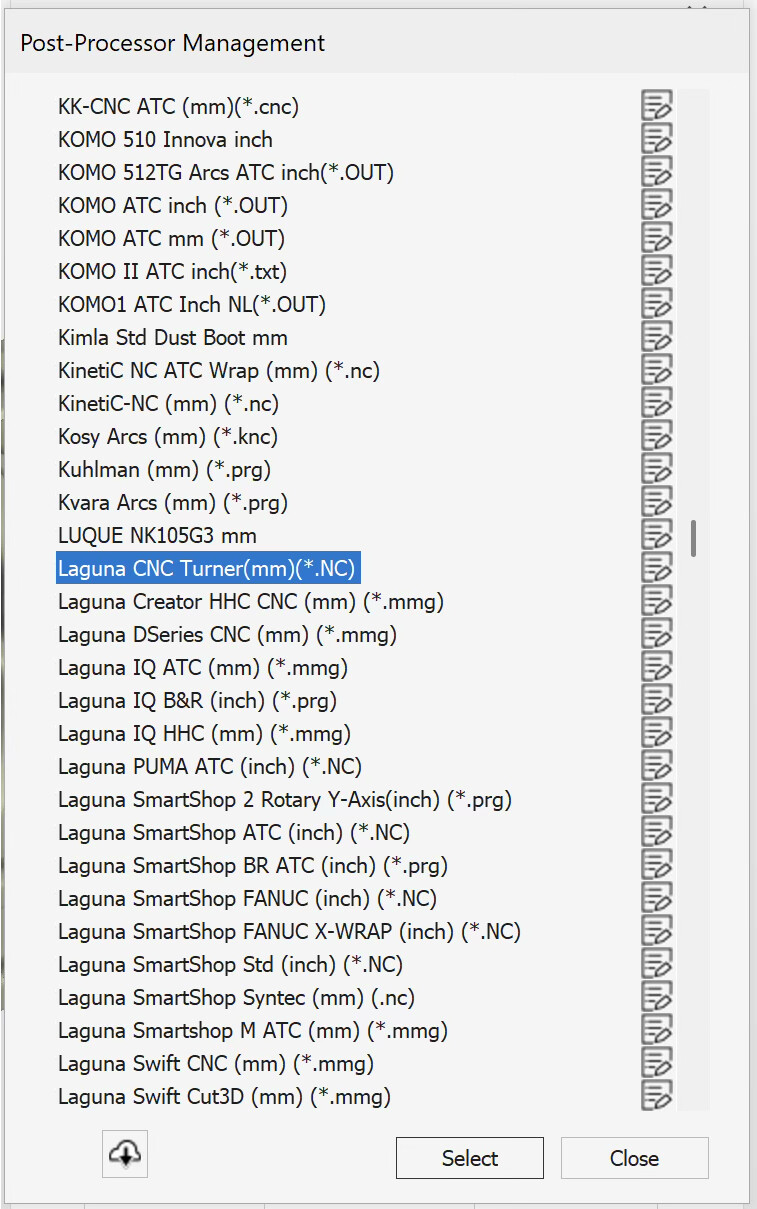
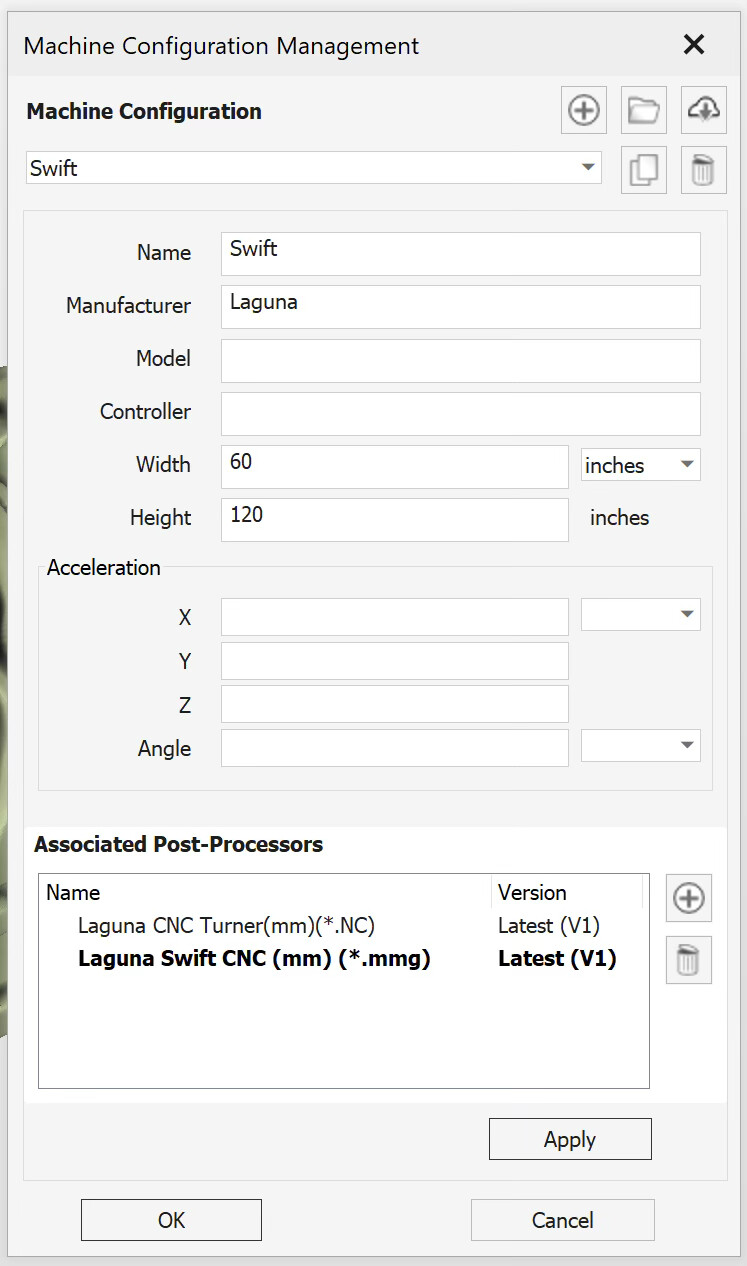
Now in the post processing / output step the “Laguna CNC Turner (mm) (*.NC)” post-processor should be in your list of post processors. Select it and write files to your disk. They should have a .NC file extension.
Remember if you reboot any Asmbly computer it’ll reset back to just the standard “Laguna Swift CNC (mm) (*.mmg)” and you will have to install / associate the “Laguna CNC Turner (mm) (*.NC)” post processor again.