Oh boy. It’s been a few months since I last (resin) printed, but my last project has failed twice so I need to ask for your thoughts.
This is on Tethys
I’m printing a mailbox lid. it’s basically a rectangle with a few cutouts. 7 inches by 3 inches, essentially. I am using Chitubox as my slicer app.
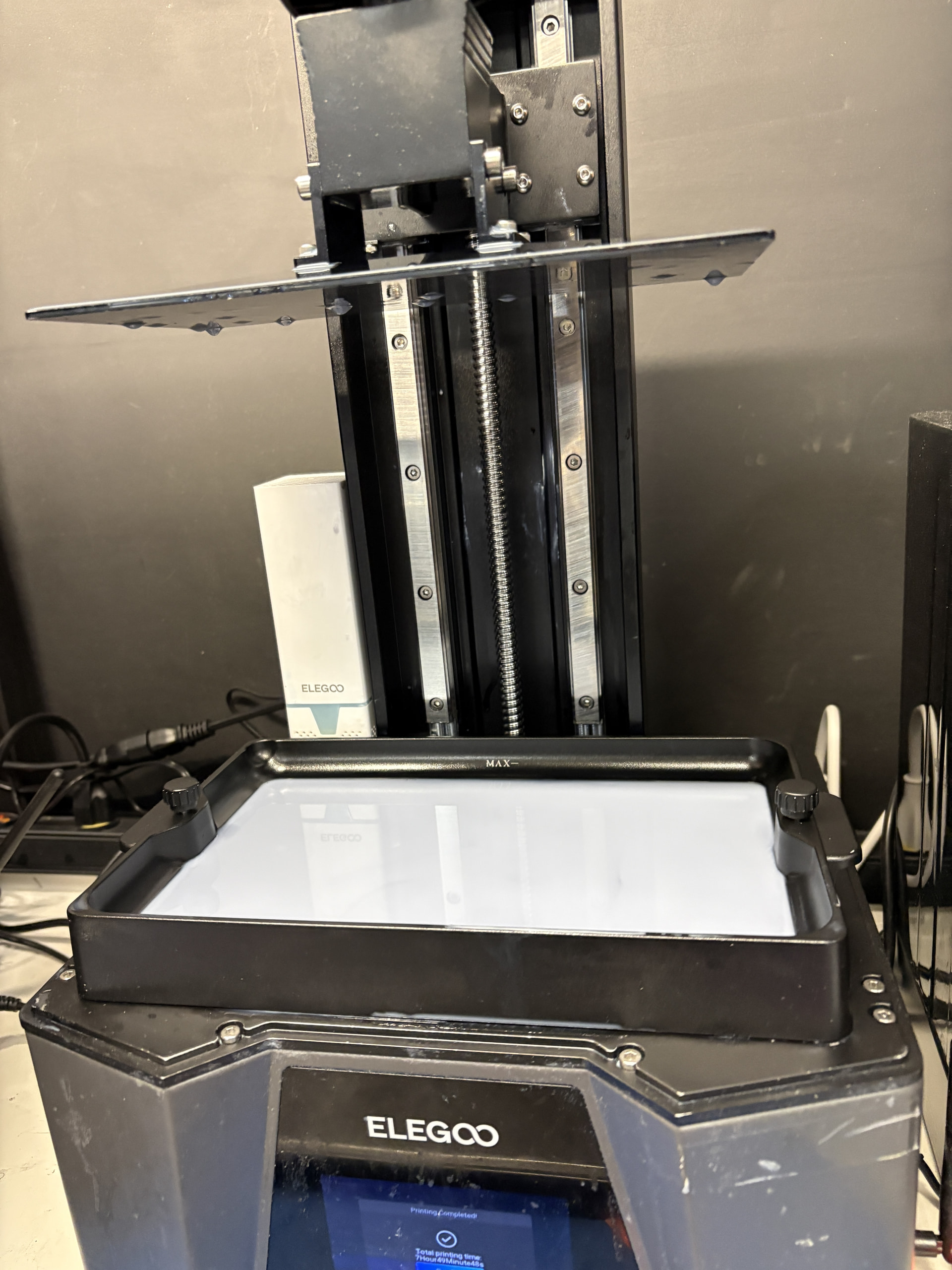
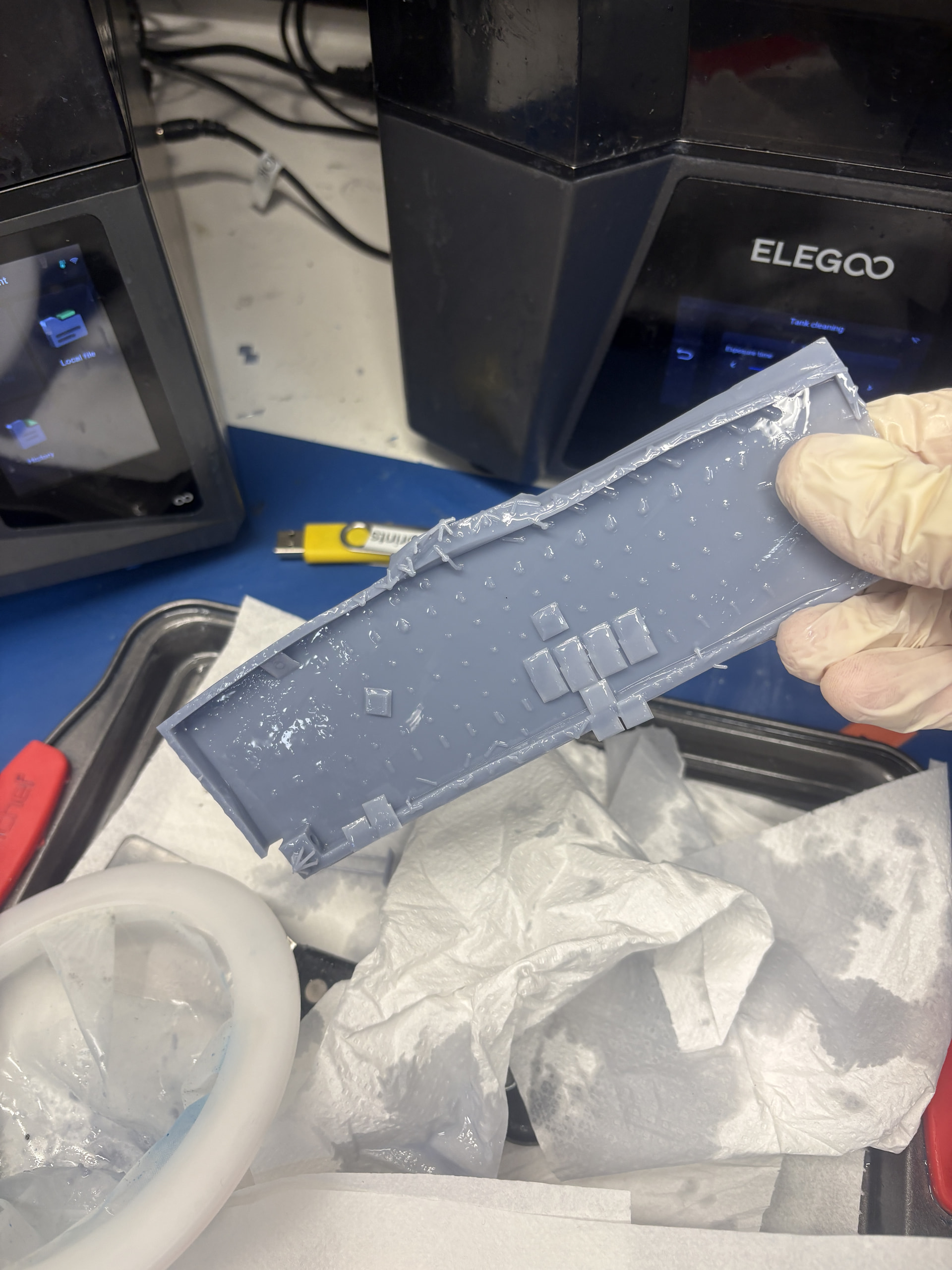
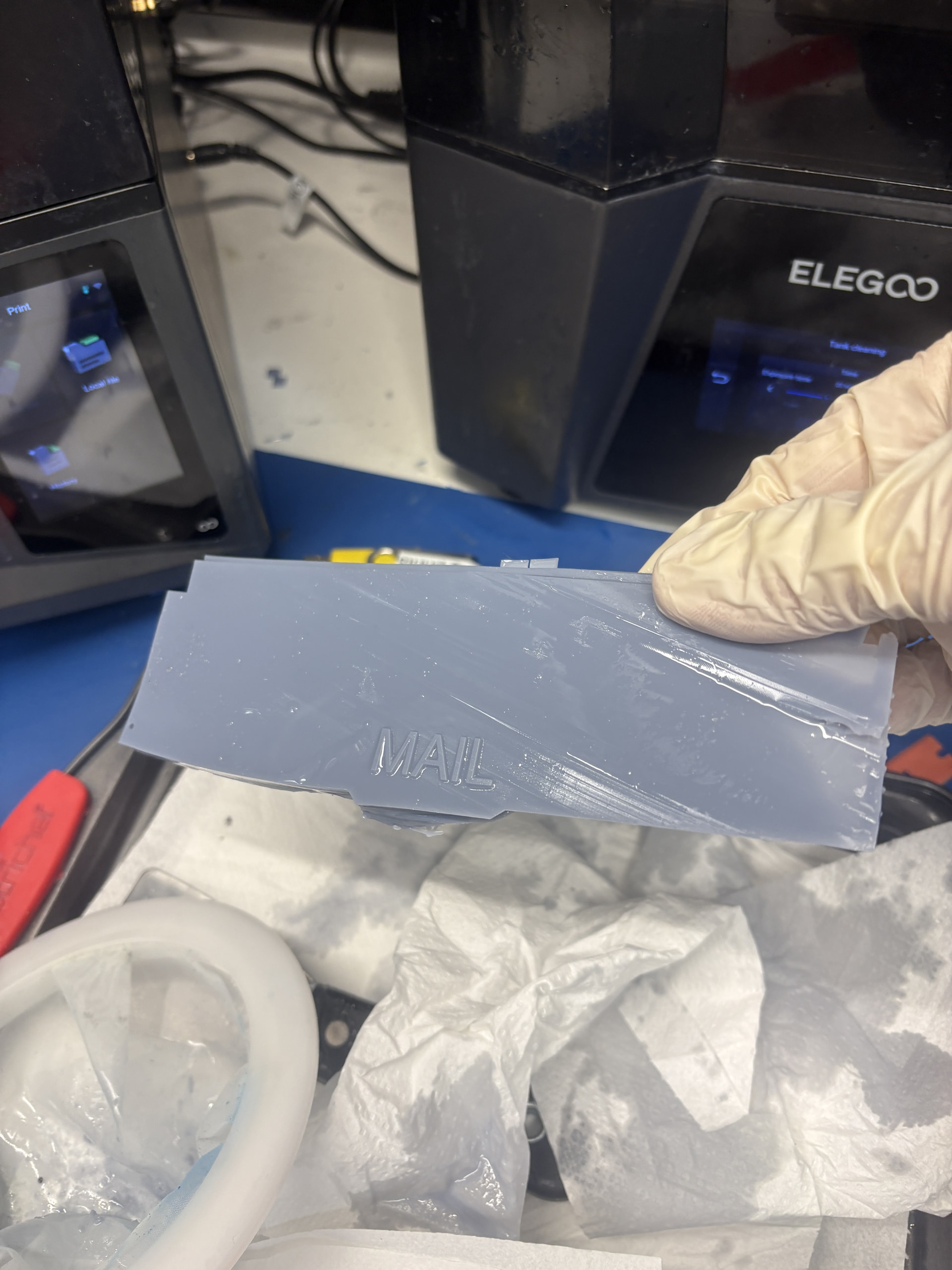
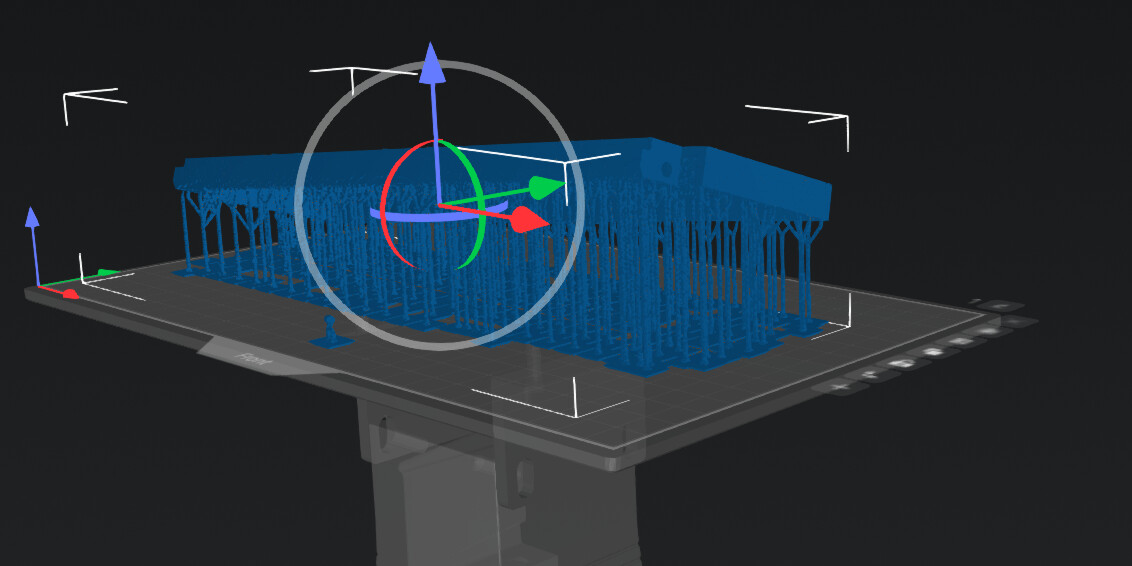
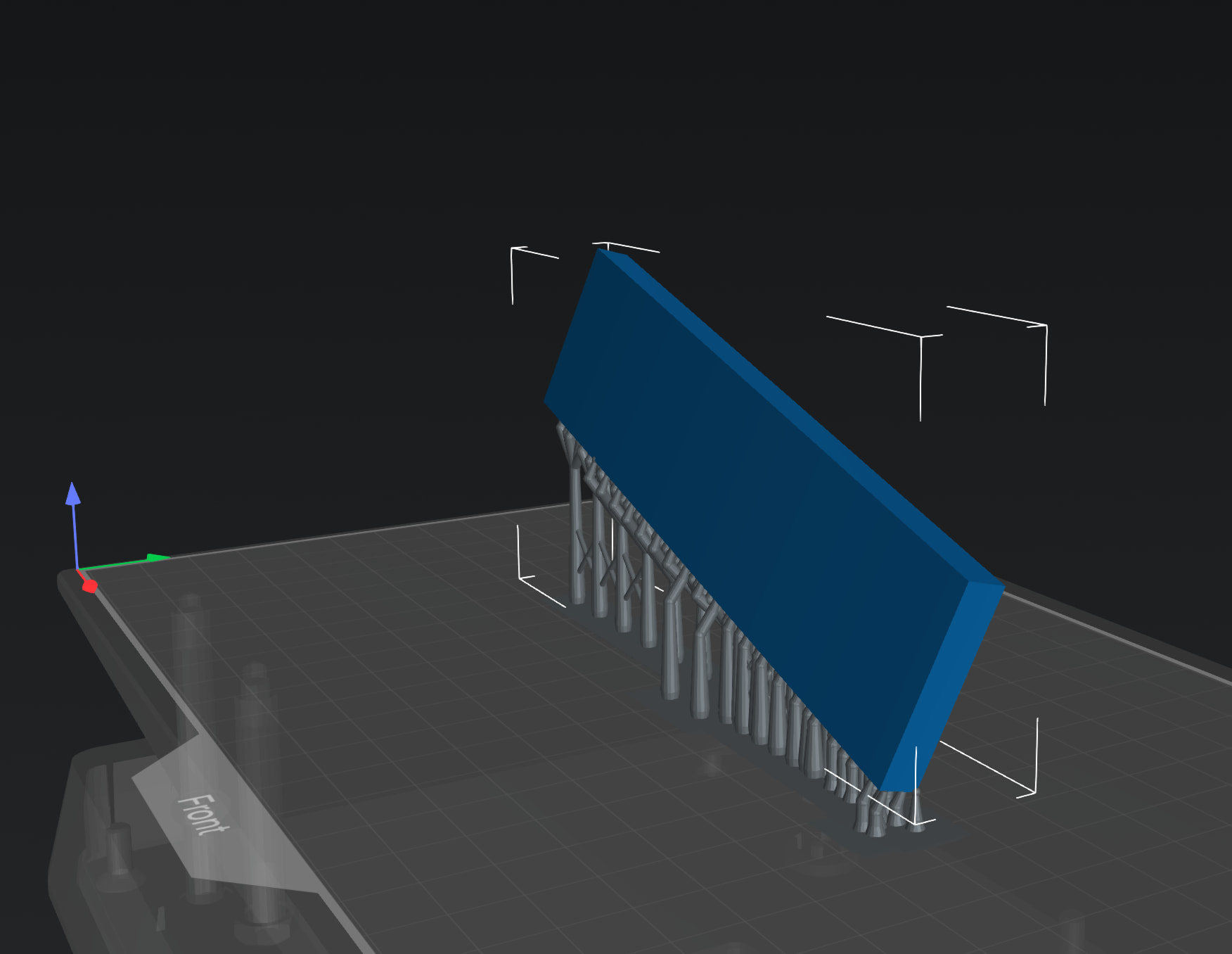
First print attempt, I had the rectangle oriented off of the plane at a 15 degree angle, rotated 5-10 degrees. I used light supports spaced every 8mm. This print took 2h 25m, 46g of material. The resulting print looked like it had melted… some supports were printed but the majority never made it out of the resin bath.
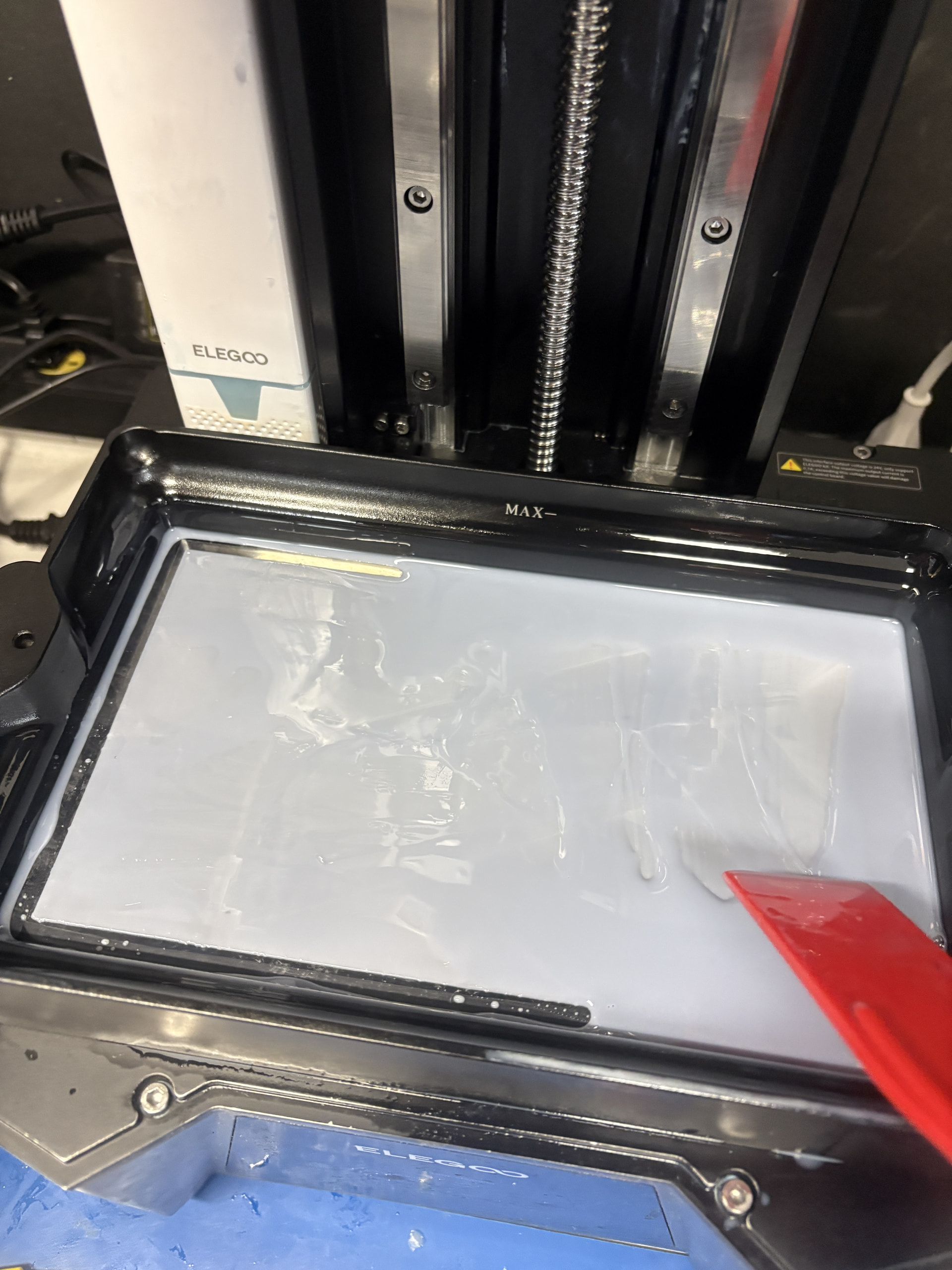
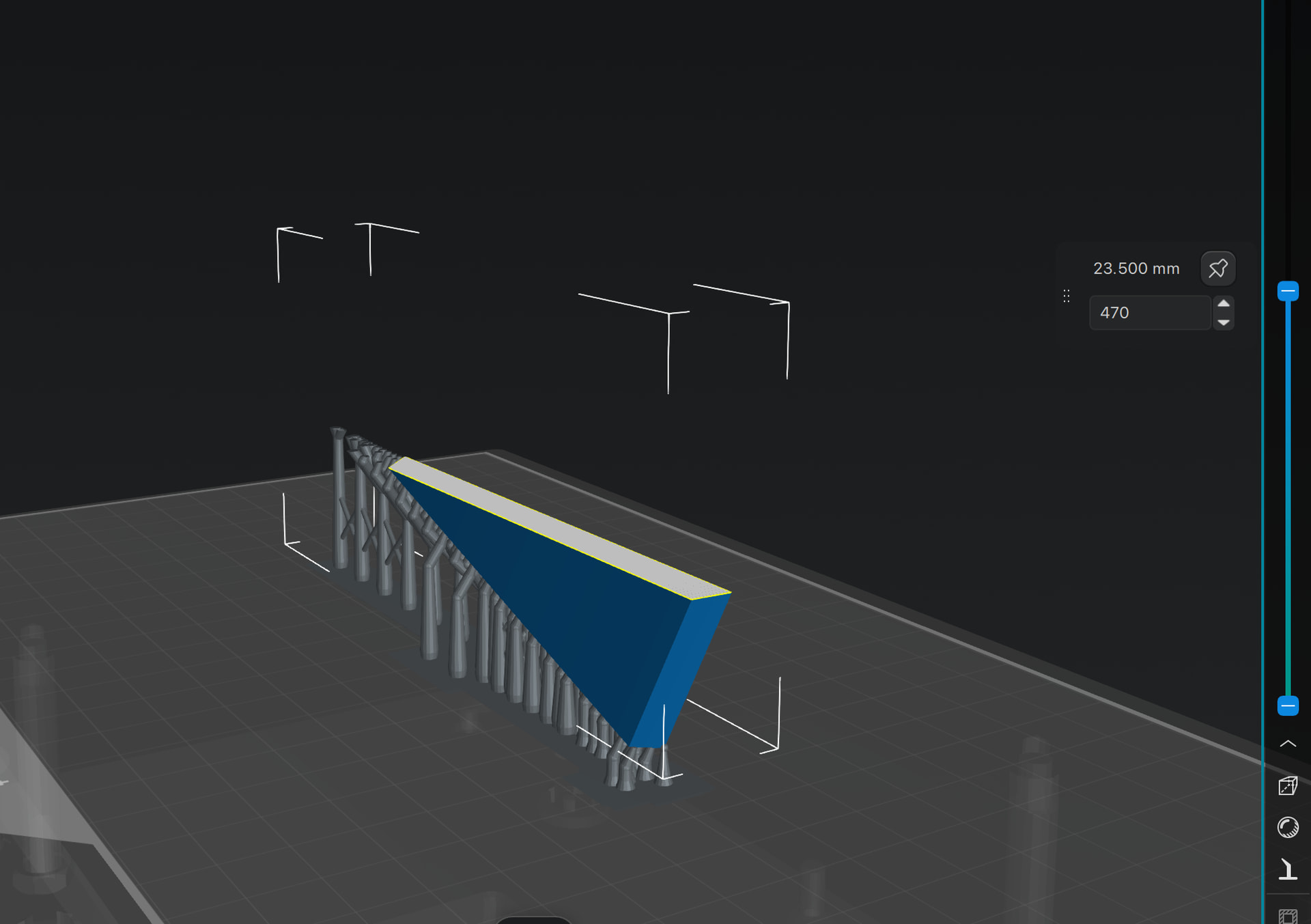
Second print, i increased the angle (more like 25 degree) and used the auto-supports, which were really just on the edges (I was suspicious). This print took 7h 49m and 49g of resin. But the print …. was a complete zero. Nothing attached to the plate and after draining the tray, just the bare shadow image of the design.
…is this a printer (red tag) issue?
…do i have bad settings in Chitubx (e.g. DLP vs. LCD, something basic like that)?
It’s tough to properly diagnose this without knowing more about how you’re setting up the print. It sounds like the model was sliced correctly in chitubox. Seeing some screenshots of the model in the slicer might be a bit helpful, as well as any print settings you’re able to provide. Are you double checking to see if the tank is free of debris before printing?
Also, I’m curious about your rationale for using resin printing for this project? Could you explain a bit about why you selected resin? It’s a rather temperamental printing process, and I usually default to FDM for functional parts.
in order, i chose resin…because that’s the only one I’ve learned. …a bit of when you have a hammer, everything looks like a nail… i guess i’ll go sign up for a filament class to learn more about the tradeoffs. thanks for the direction there.
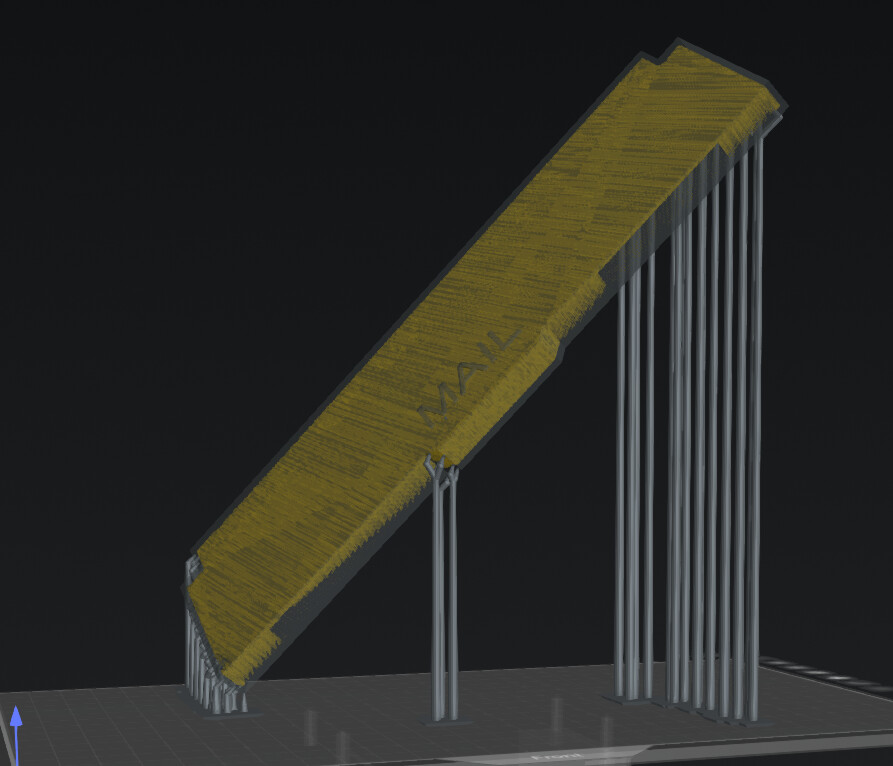
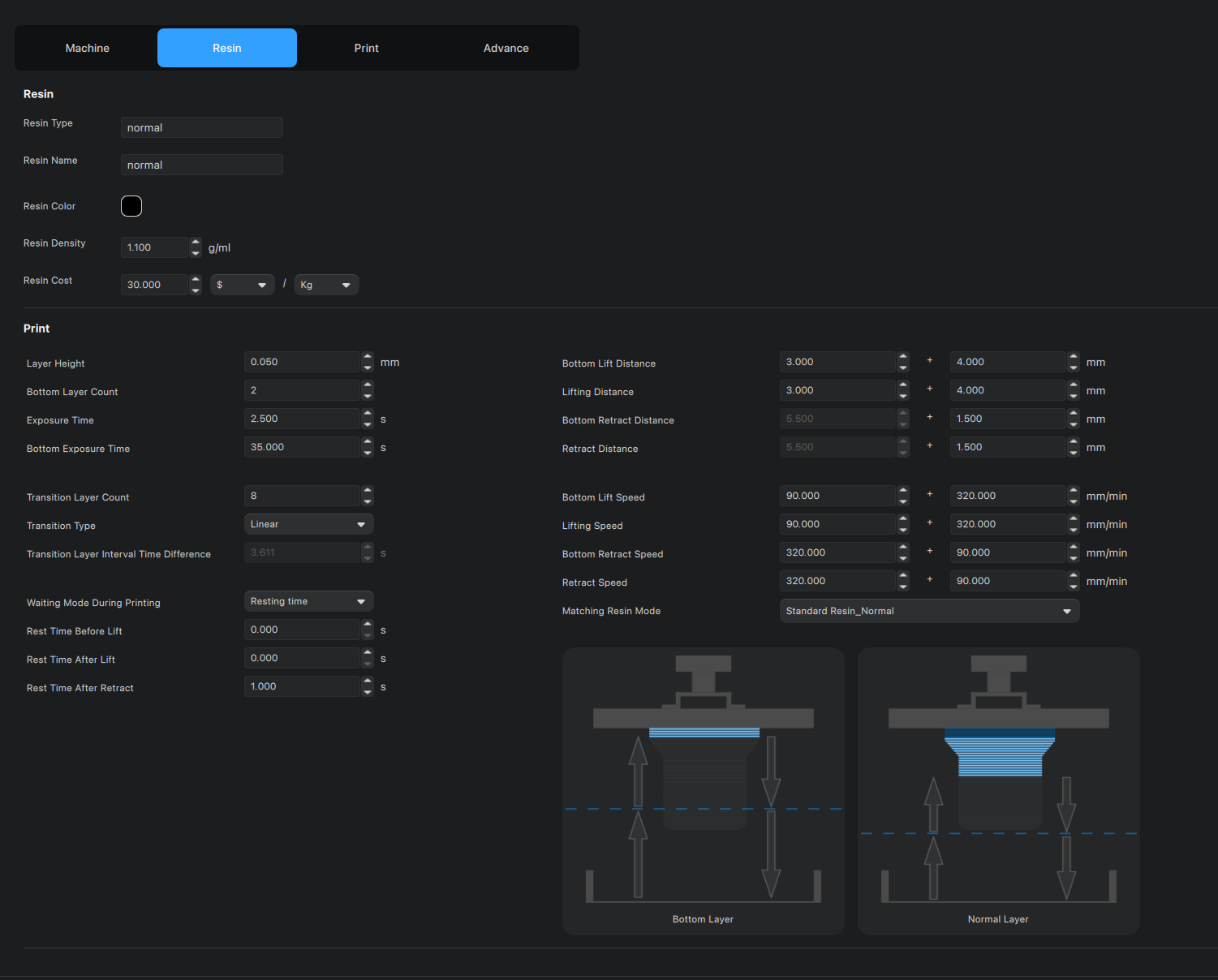
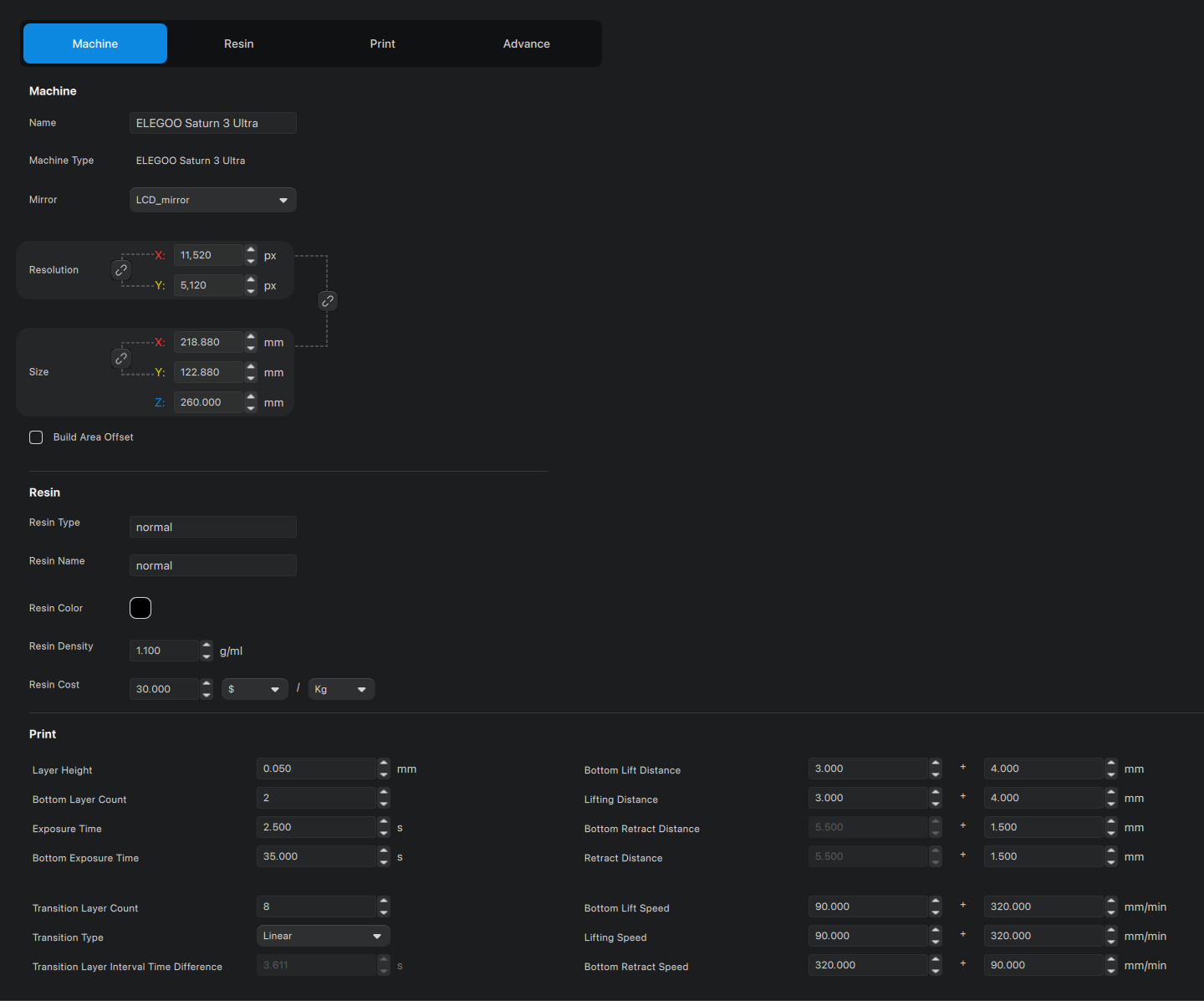
in terms of settings and the slice, attaching 4 screenshots (first print attempt, second attempt, and two settings). again, i kind of dumbly assumed the OOTB settings from Chitubox for Elegoo would be good enough (because they had worked for me in the past).
Why did you select light supports? You’re printing a fairly heavy object, relative to the contact area of those light supports.
Is the yellow image the auto-supported version? I think you were right to be suspicious of that. Between the row of supports at the left side, and the few supports in the middle, there’s a large cantilevered part that is fighting both gravity and the suction of the release film. It would be very impressive if it stuck!
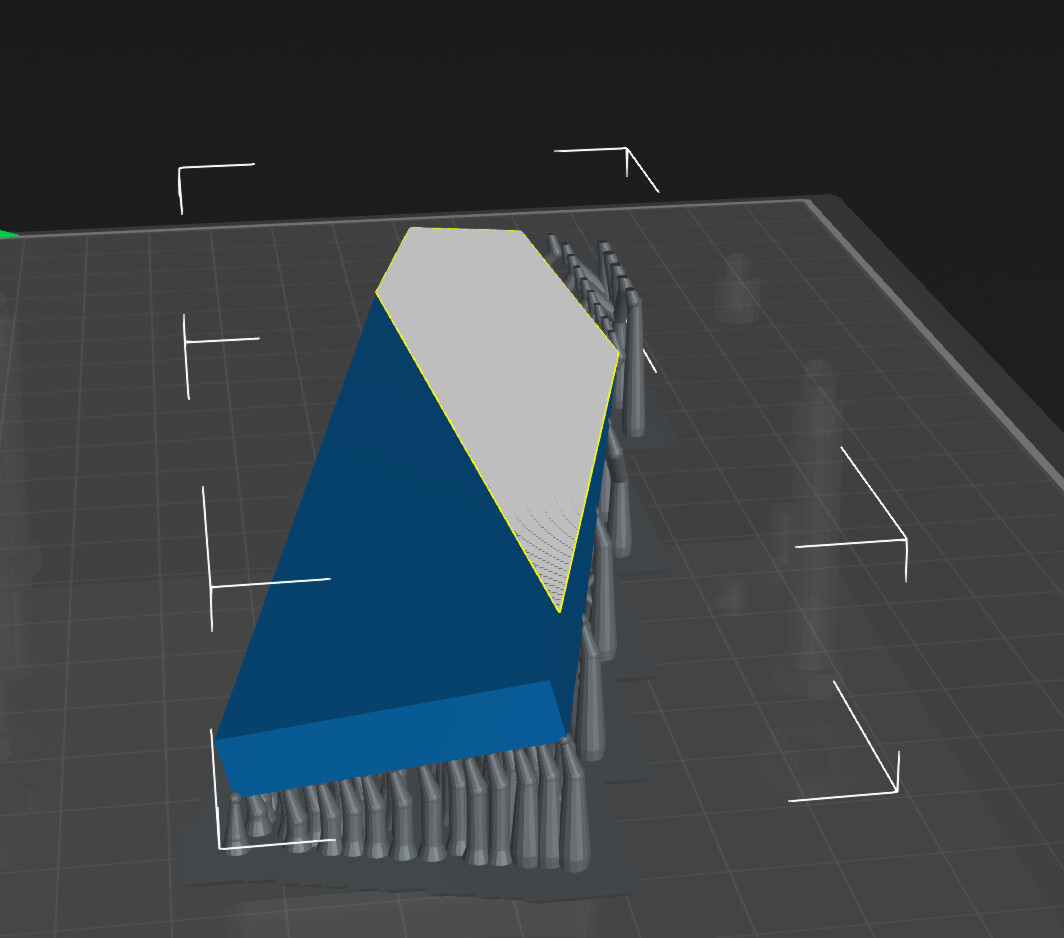
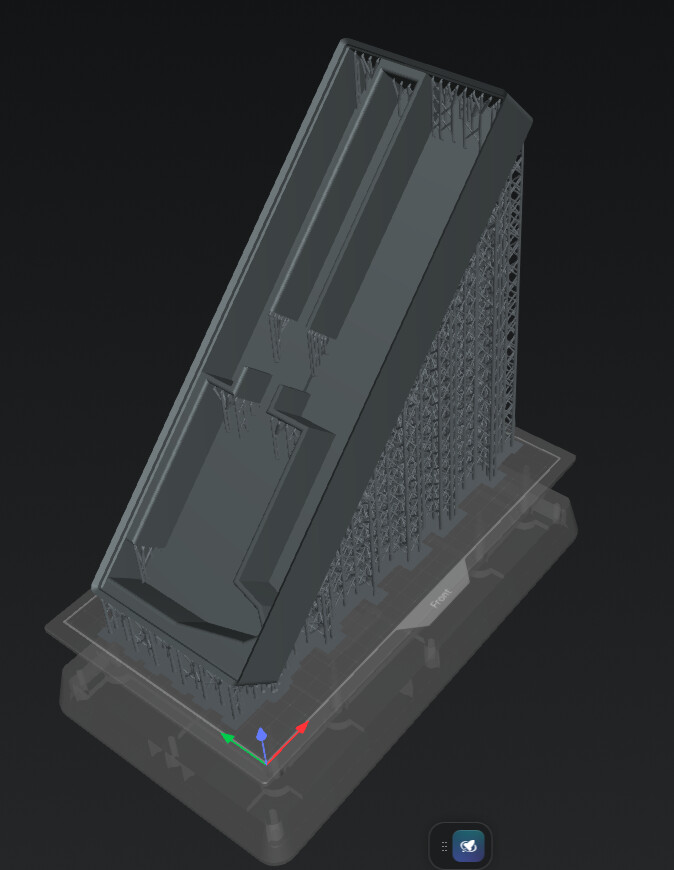
When orienting the part, I like to try to minimize the surface area being printed in each layer. For your model, that would mean tilting it up closer to vertical on the long edge. In this example, I’ve chosen 15 degrees off of vertical in both the X and Y directions.
I’ve also increased the supports to Heavy. The downside to printing in this orientation is that a small number of supports are bearing the entire weight/vacuum of the object.
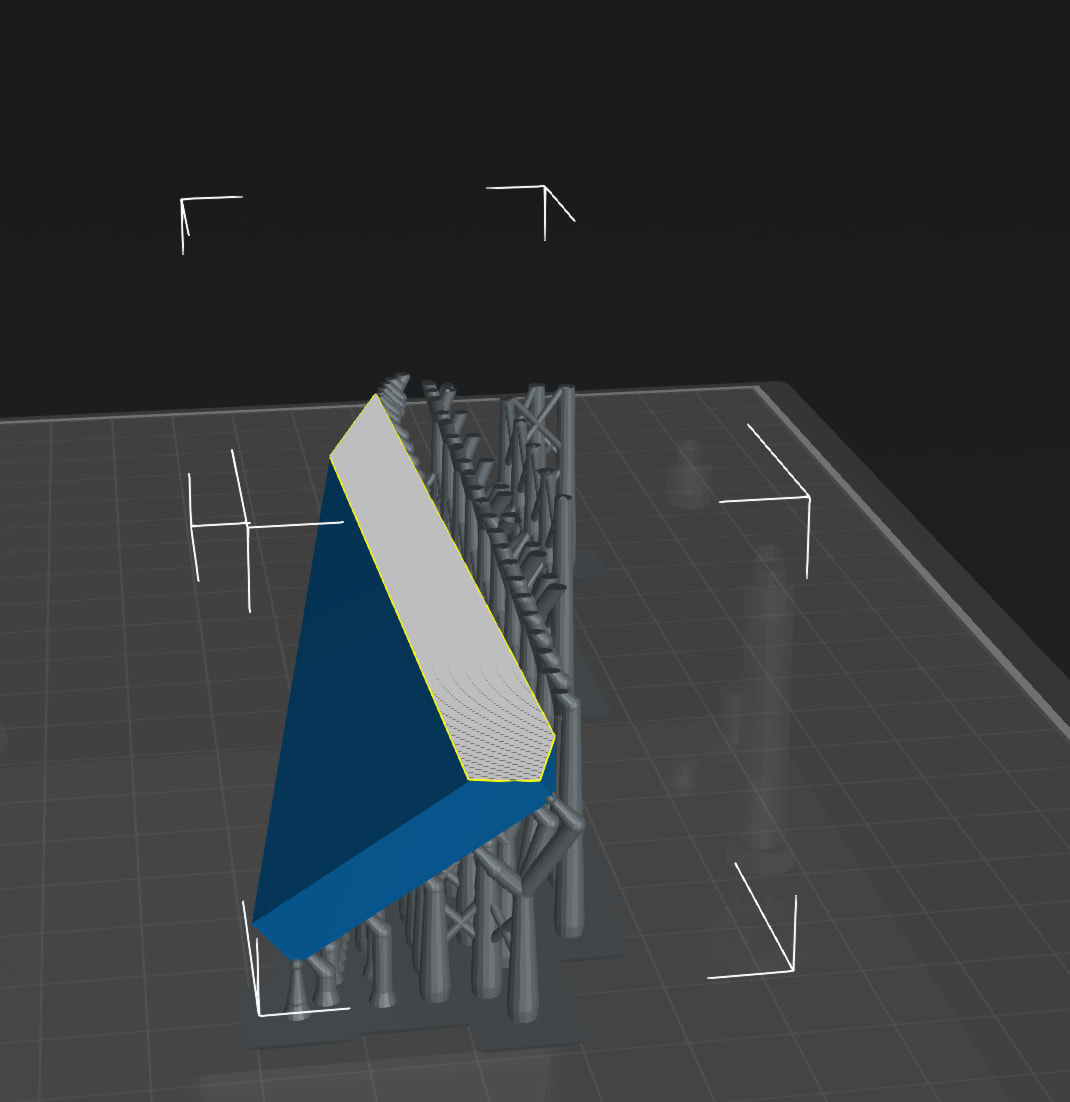
Tilting the object further from vertical allows more supports to be used, but at the cost of increasing surface area.
A happy medium might be just under 45 degrees off of vertical, where the angle (less than the 45 degree cutoff) triggers supporting the whole thing as if it were an overhang, but still a relatively small surface area.
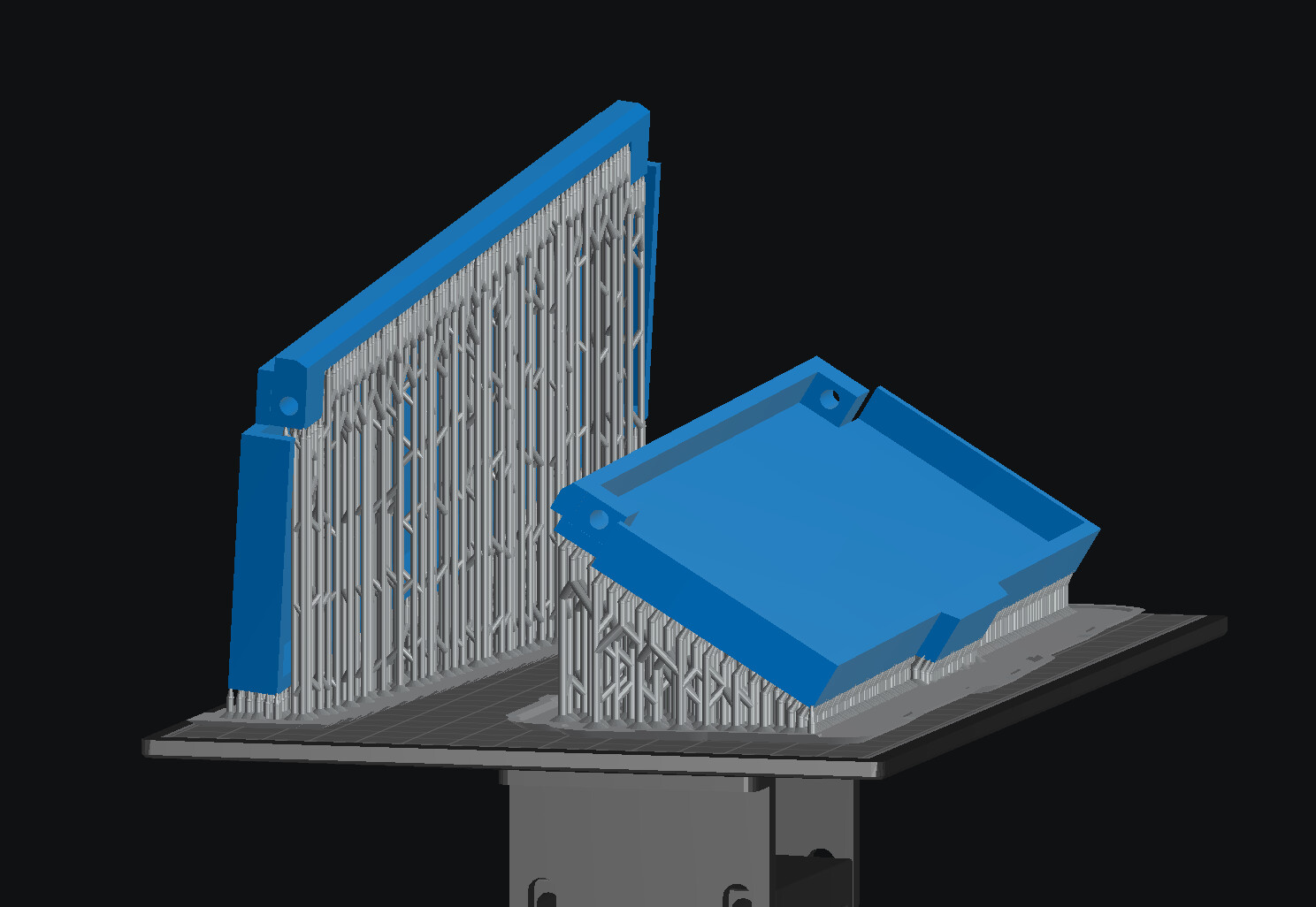
Just as a visual example, this is the density of heavy supports I would expect to see for a large rectangular model. I didn’t have much choice about the orientation for this one. It would not have fit in the build volume other ways.
By the way, support problems are by far the most common reason my resin prints fail, so figuring out how to consistently support things has been one the things I’ve focused on most. Unfortunately, I haven’t found great resources about how to optimize supports.