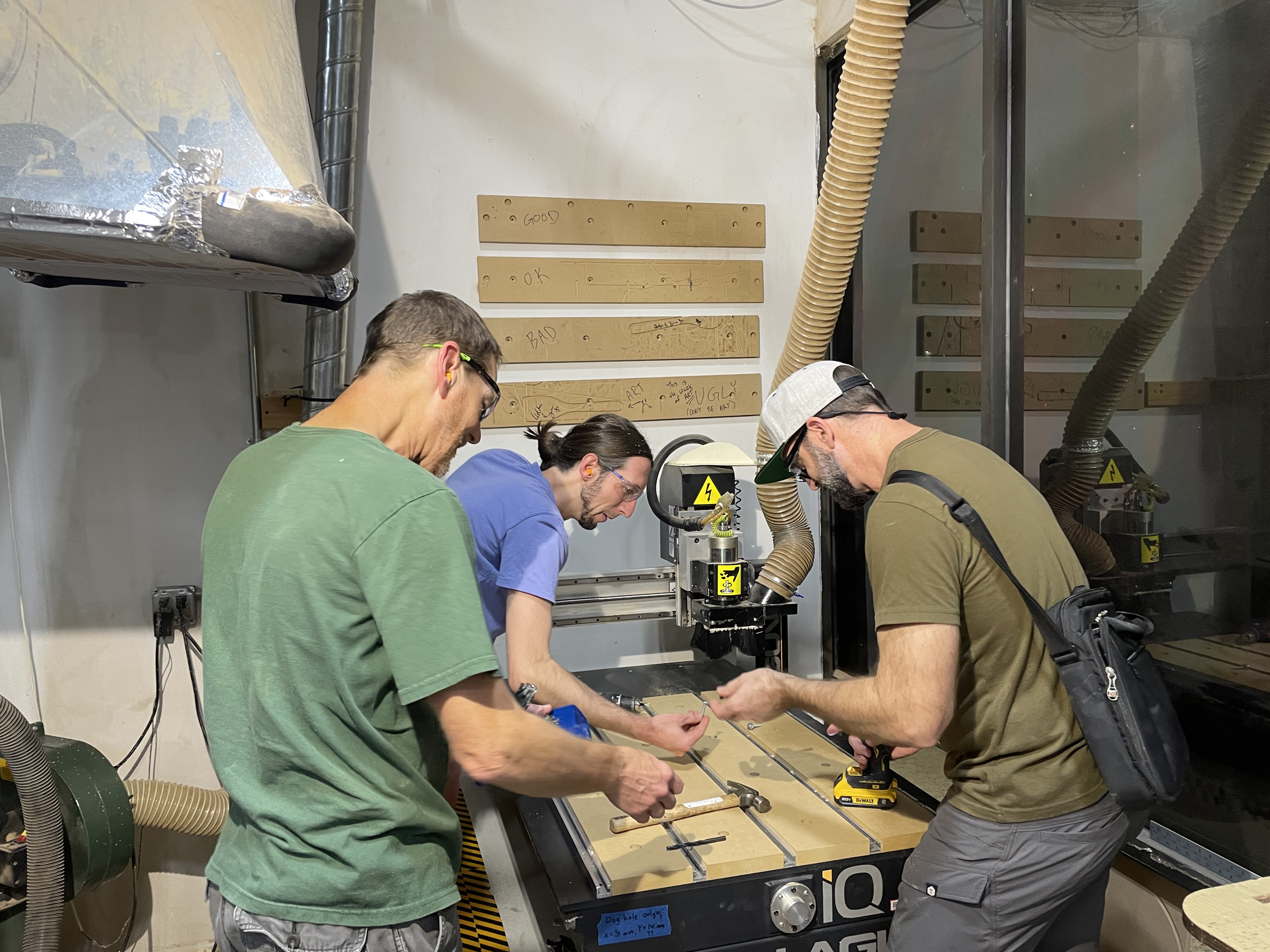
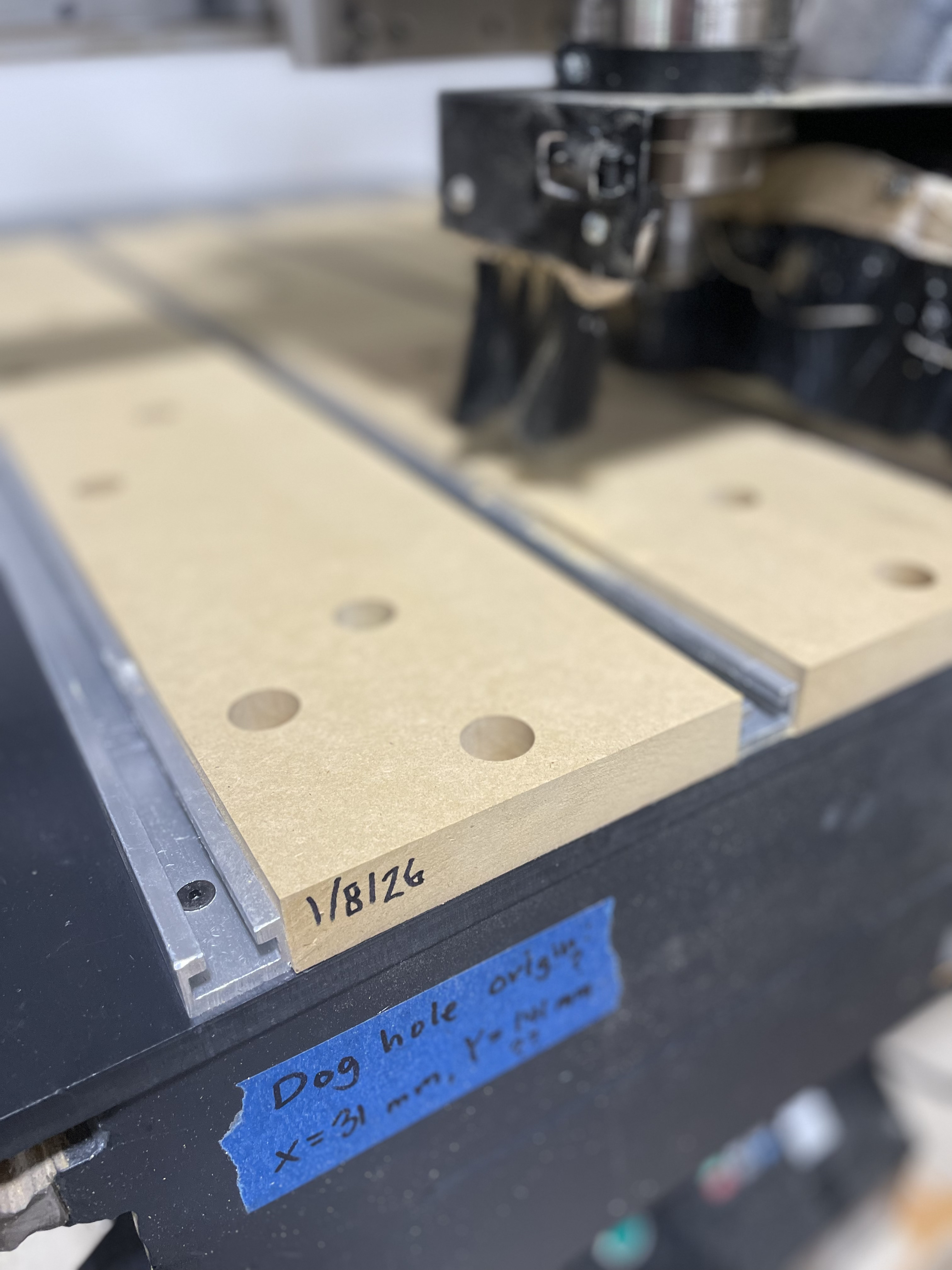
P.S. We had a number of issues with the small CNC while trying to replace the spoil board. Even with the issues below we were able to complete installing and surfacing the spoil board (with fingers crossed).
GCODE halted mid-run. This has been reported other times. It is believed to be an issue with the USB connector in the handheld controller. We changed to loading GCODE from USB to internal storage and running it that way.
The X-axis lost steps on the ball screw. Strange noise was heard when it happened. Homing it showed we had lost home. Instead of being positioned on the left side after homing, the home was now positioned mid-table (X-axis shifted). No clear cause.
Several control box failures. GCODE halted mid-run. LED display on controller showed “lvn” or “lvS”. Powered off, waited, powered on, and tried again. Failed multiple times when doing the final spoil board surfacing. At the time we wondered if we were going to get it done, but luckily we did. Have never seen or heard of this failure before. Wrote up problem report.
One of the inserts was spinning in-place (front center), and needed to be removed & glued back in using CA glue.
We have found that the left and right most T-slots are useless without some spoil board to mount against. Put a half-width piece of spoil board on the left of the leftmost T-slot, ditto for the right side. This requires new inserts to be drilled and mounted along with changing the spoil board VCarve file.
Overall we need to review the mounts / clamps for usefulness and wear and replace some as needed. Many of the mounts / clamps use 1/4”-20 T-slot bolts which are too narrow for our current T-slot channel and just spin in the channel. Instead we need to replace all of them with the wider 5/16”-18 T-slot bolts.
Replace T-slots which have been damaged to have sharp edges posing a cutting hazard. We currently have 25x17mm (1” x 5/8”) which seems to be hard to source (if you know of a source, please tell me). Possibly replace them with more available 20x10, but we need to insure this size is strong enough. This narrower size might require 1/4-20 T-slot bolts.
Open the Control Box and clean the fan (if one exists) and clean the internal electronics of dust.
Usage issues:
Users are anchoring using too-long screws which are going through the spoil board and into the top of the CNC machine’s surface damaging the machine. The resulting holes cause dimples in that surface which must be filed down in preparation for mounting a new spoil board. Please use shorter screws that only go into the spoil board or other techniques to mount your work on the small CNC.
Request (if it hasn’t already been done): make sure the absolute machine coordinates of the corner point formed by the dog holes is displayed somewhere on the machine or controller (like it is for the large CNC). This wasn’t the case when I last used the small CNC a few months ago.