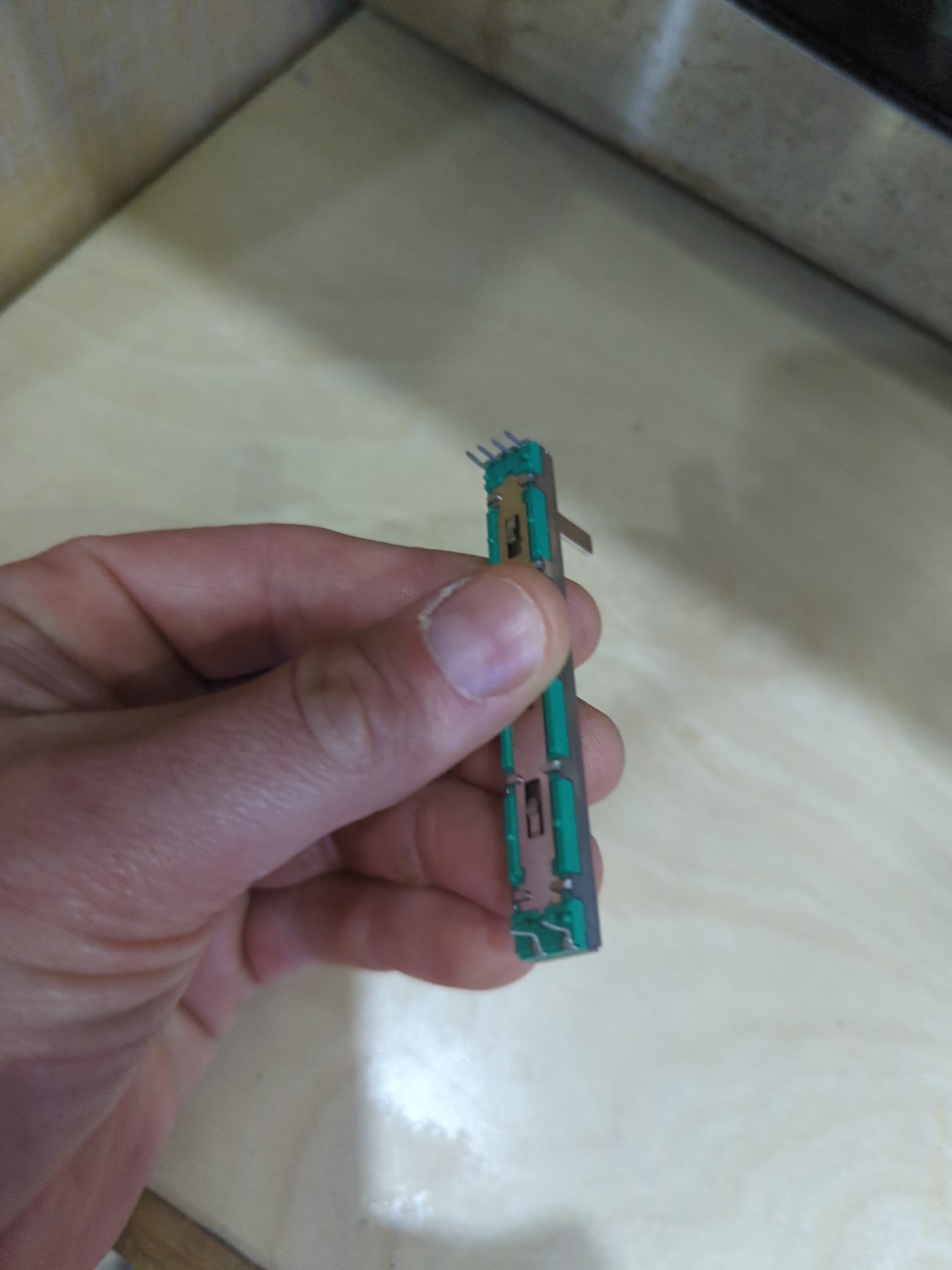
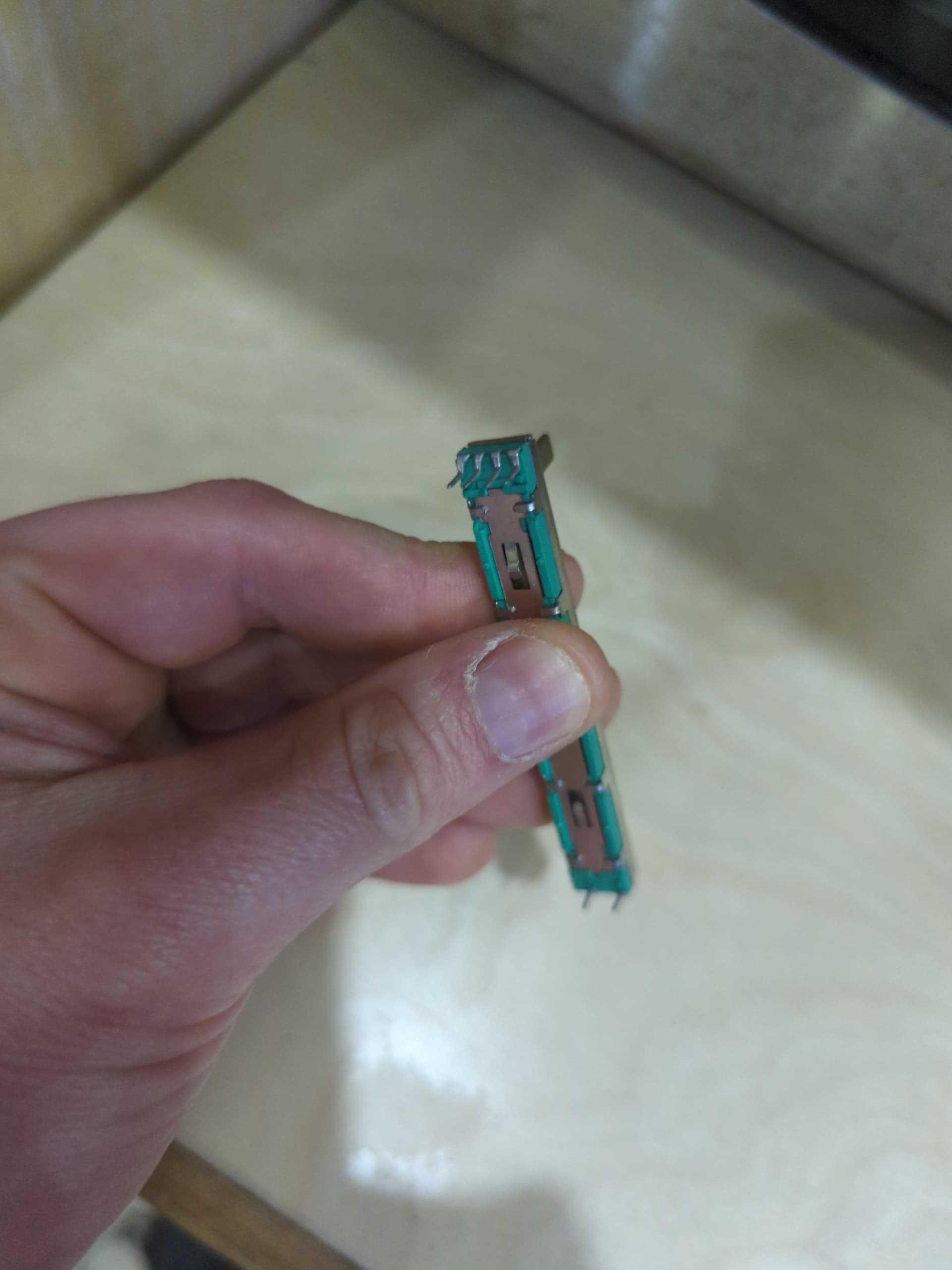
so, my electric boat project continues apace. the problem I am trying to figure out how to handle now is throttle control of each motor (port and starboard). luckily, I’ve been able to determine that the PWMs on each motor are controlled by 10k potentiometers, and have sourced a few of those. I’ll need to run 3 wires from each motor to the helm console and attach those to the potentiometers. what I don’t know how to do is mount these somehow in some kind of control panel (preferably something with a nice flip-down weather cover!) for easy access.
those tabs that are folded in about a third of the way in on each side come sticking straight out like the pins at the top and bottom from the factory. I bent them in so I could experiment with using a breadboard - the problem there is that with the thickness of the breadboard the pins aren’t quite long enough to be used with something like jumper cables. I gather these are supposed to “clip in” somehow into some kind of housing, but if so I can’t figure out what.
anyone made something similar and have some pointers as to how I could connect these things and have them in something usable and sensible?
Altex on i35 near Asmbly should have protoboards that you can solder that too. They may even have water proof project boxes. Designing an enclosure* in CAD and 3D printing ABS or PETG may be an option.
they do have proto boards but they’re pretty limited. just phenol things without any solder points. no project boxes that really work for this. I’m investigating using a mixer board case/chassis for this too.