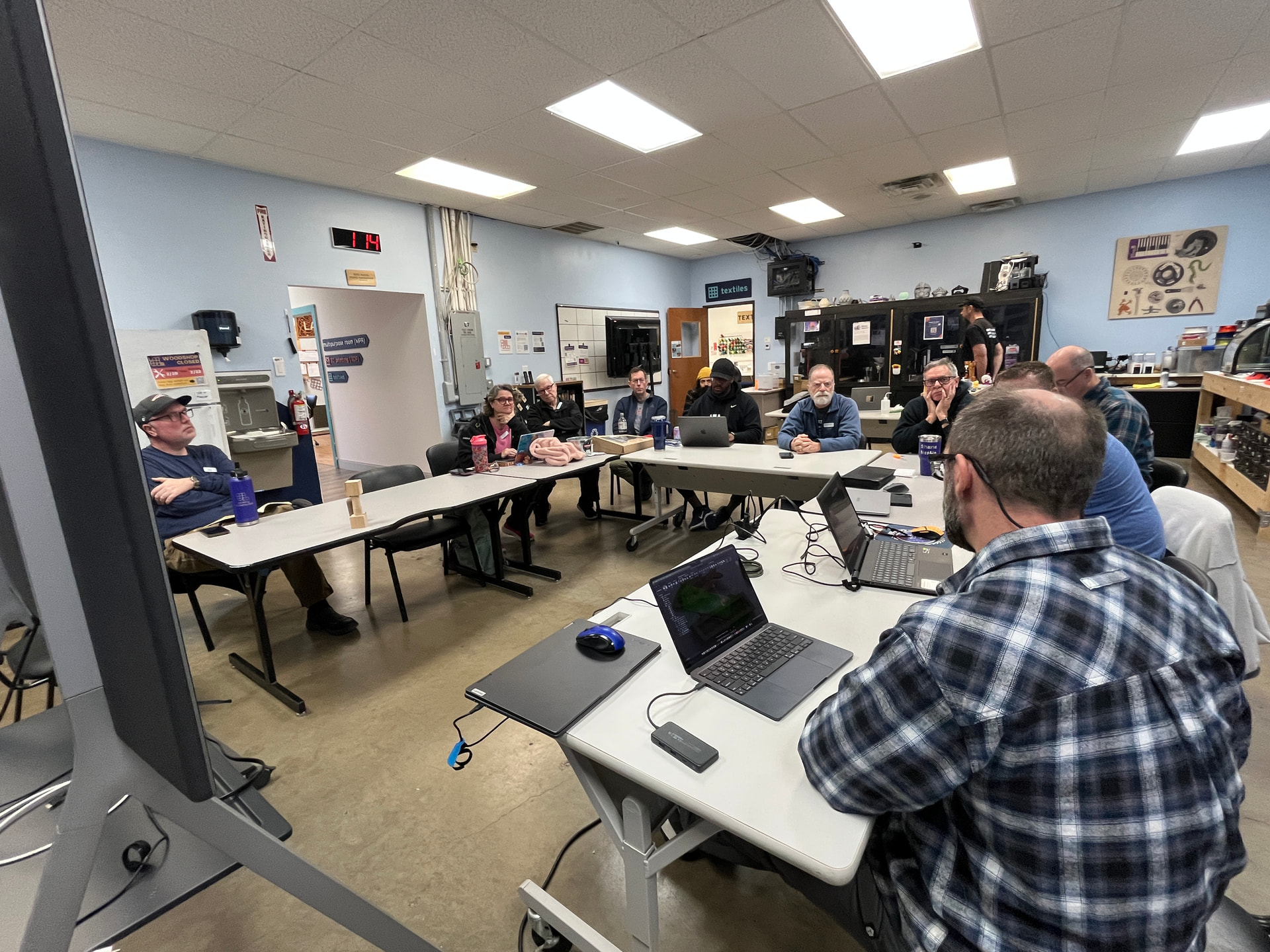
CNC SIG Recap: February Meeting (Rotary Axis Edition)
Last Sunday’s CNC SIG meeting was a deep dive into rotary axis machining, with a full walkthrough of what it actually takes to go from “the axis technically spins” to “this part is smooth enough to show people without apologizing.”
 Al’s Rotary Journey: Everything keeps spinning!
Al walked us through his ongoing work integrating a rotary (4th) axis on his CNC, including both the wins and the very real gotchas along the way.
Key highlights:
- The rotary axis is the origin on this machine, which caused early confusion when jobs weren’t returning where expected.
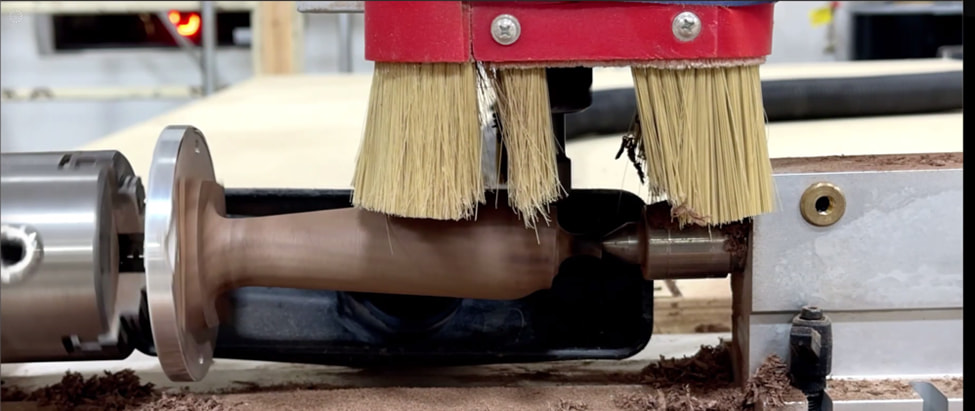
- Al tracked this down to step count calibration on the stepper motor, which he dialed in through several iterations.
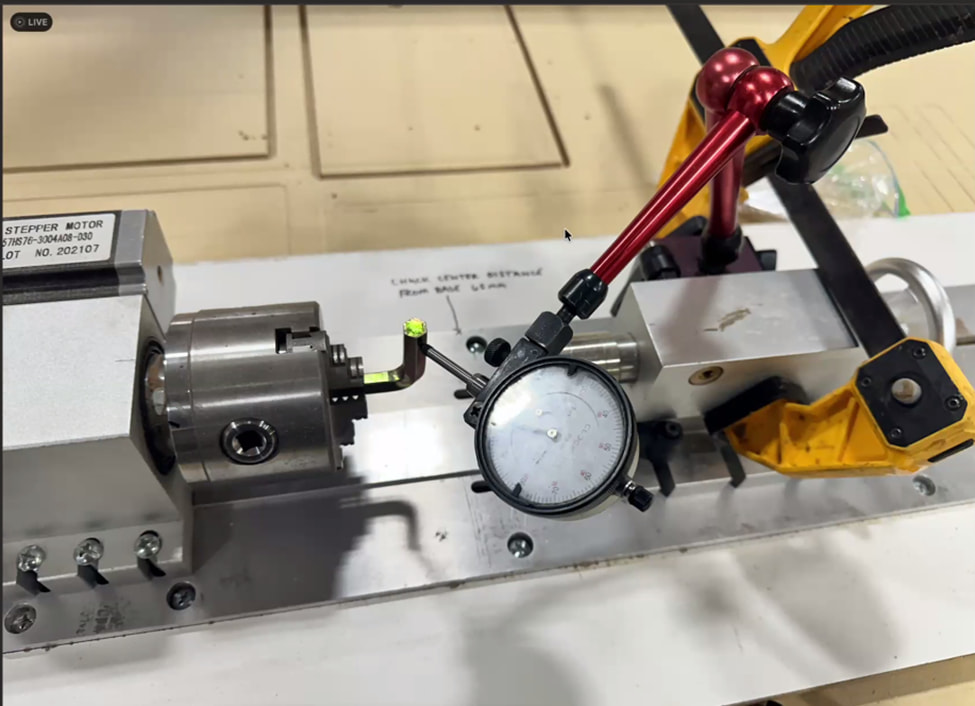
- Using an Allen key directly in the motor shaft, he manually verified rotation per step and adjusted the controller’s step settings accordingly.
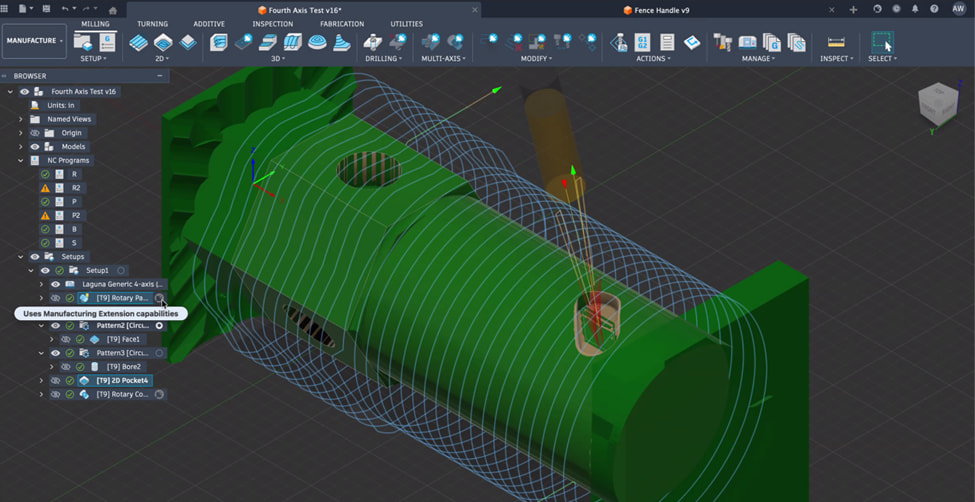
- He ran both roughing and finishing passes, showing how much difference a proper finishing pass makes on rotary parts. Al used Fusion 360 to design the part.
- He used AI tools like Cursor to translate PC-side G-code into a format compatible with the RichAuto controller, dramatically speeding up troubleshooting.
- Cursor was used to help dial in post-processing, ensuring X, Y, and Z axes were mapped correctly for rotary work.
- A rotary setup extension allowed cutting into cylindrical stock more predictably.
- The result: a clear evolution from an early rough attempt to a clean, smooth bowling-pin-style part that everyone immediately recognized as pretty dope.
Michael offered to collaborate with Al next, especially as he moves toward:
- Successfully cutting a hexagonal rotary part
- Exploring vCarve workflows for rotary jobs
Other CNC Bits:
-
Steve shared new updates for CNC side hustles as described by Ryan from Cutting It Close: https://www.youtube.com/watch?v=cHkyNOan8_s
-
The group reviewed Al’s process step-by-step, asked questions, and shared similar rotary pitfalls. The consensus: rotary axes are simple in theory, unforgiving in practice, and extremely satisfying once dialed in.
Non-CNC Info:
- I shared a web app I built in 7 days with no coding experience. It is a v0.1 version, but the main idea is I’d like for us to have a verifiable way of auditing how the government is spending our money, and have it tie back to the taxes we actually pay. Plus, you see exactly where everything is sourced so you can go directly to that government website to confirm the accuracy of the output. I need to incorporate feedback in it (thanks everyone!), but here’s the app thus far: Civic Ledger -- Viewer
- I used ChatGPT and Cursor AI software to build it.
Next Month’s Theme
“Use AI to build something — and bring it.”
Whether it’s:
- AI-assisted CAM
- AI-generated toolpaths
- AI helping you debug, design, or document
Bring something physical (or at least dangerously close to physical) and be ready to explain how AI fit into the process.
Hope to see you at the next one 12:30pm on March 1st at Asmbly!
Joaquim
@jamesfreeman @cjromb @SteveW @bwatt @michleon100 @Snestle @sneezix @rjnevels @TravisGood @PareshPatel