I am experiencing trouble on the rotary and if there is anyone who can help me I would greatly appreciate it. I know if has to be a setting I am missing or not quite understanding and therefore using it incorrectly. My file keeps getting stretched horizontally on material. Even though the file is 5.5 width vertical and 1.589 height horizontal on tumbler. the print keeps coming out to 5.5” x 2.25 when done lasering. any thoughts or assistance would be greatly appreciated. I put in diameter of 15” and get a circumference of 47.12389in does that seem correct?
A diameter of 15” does have a circumference of 47.124 or there abouts. To give you a perspective, that would be like a five gallon paint bucket. I dont think you can fit that in the rotary. So measure the diameter (you could call it the with) of your item correctly. Then enter the measurements in the lightburn rotary menu taking note of the circumference (field size) automatically populated in the middle of that windows. Adjust your graphic height to match that measurement or less after rotating 90°. Don’t forget to enable the rotary on that windows along with the “mirror.” there is a short cut on the main page of the computer that gives you step by step instructions. Disregard the value given for the “step” motor part. That should populate itself. I belive is under large rotary laser class. There is a printed version floating around one of the drawers or cabinets.
1 Like
Thank you sir. I used a sewing tape measure to wrap around the tumbler which showed 15” but for input it should be half of that then 7.5” correct?
1 Like
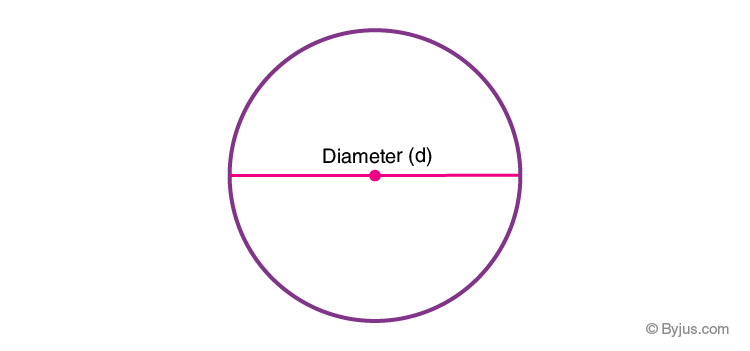
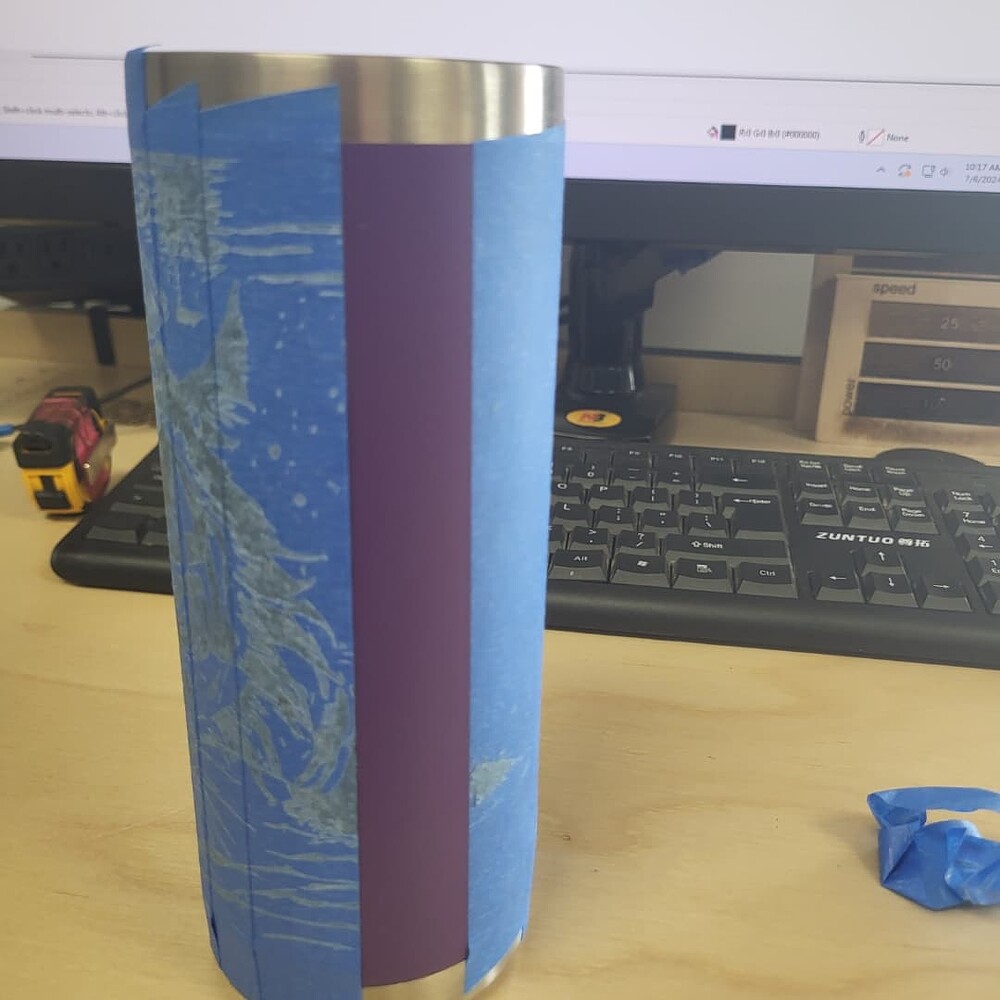
Incorrect. The normal diameter of Yeti tumblers or similar products should be in the range of around 3.4 “ to 4.2.” If youre watching YouTube videos most will tell you to wrap around the measuring tape(CIRCUMFERENCE NOT DIAMETER)so you can figure out the rotation step speed. In Dorian or Lightburn it does it for you so you dont need this step. When you input the diameter (red line in photo below) in the Rotary Lightburn window the program will automatically calculate the circumference for you in the line below were you input the diameter. You can use this number to reference the maximum height of your graphic or some people call it “field.” you could also use this for the placement of your starting/origin. I would recommend to use the center or center out option in lightburn. Then measure the height of the tumbler and set the red dot in the halfway point and set that as your origin in the machine. This is the easiest quickest way to set up a tumbler (unless you have a jig). To practice on your actual tumbler you can cover it with a couple of layers of masking tape. Try to keep it as flat as possible. Also try to keep the top and bottom edges free of tape or make it as smooth as possible so it rotates smoothly on the rollers. When you run it, switch the power down to 20 to make sure it doesn’t burn through the tape. Some tapes you may have to adjust power to 24 to see the lasering. Once you’re happy remove the tape and set your power settings back to normal. If you need to clean up heavy residue, use pumice hand cleaner. There is some on top of the woodshop sink.
C=πd
so, circumference of about 15” / 3.14 yields dimeter of about 4.75”
FWIW, you can also get diametrical tape measures (the unit hatches are π units apart). Arborists use them a lot. Example