I remember that there was a Cricut donated to the space a while back - did anyone ever get that up and running? It’d be really useful for some projects I have coming up, but I couldn’t find anything in the forum, wiki, or classes website.
And if not, is there any chance of that coming online soon, or did that stall out or get removed?
The cricut is still there, and no class is required! It’s decently easy to set up and use and has a lot of available instructional material online. We were planning to do a small class around it just so people have the option to learn more about it at Asmbly, but it has stalled out as the person planning the class moved away. We will plan to do something for it eventually, but it won’t be a required class.
As Nick said, you do have to sign in to an account, but it is free to make. (You just won’t be able to access their design library without a paid version; but if you have your own design you want to cut that doesn’t matter.) The cricut can do a lot of things that the bigger vinyl cutter can’t, so it’s a cool tool to have around! There are cutting heads stored near it in the little white drawers, and the mats you need to cut are near it too.
Good point – the Cricut doesn’t have a standalone entry in Skedda. I think “Misc Sewing” is capturing both Janome sewing machines (which is obviously not great), while “No Machine” is the large cutting table (and I have Long-Standing Opinions about changing that up). So right now it’s first-come, first-serve for the Cricut.
I’ll continue the Skedda discussion in Slack – thank you all for raising it.
I used the Cricut a couple of weeks ago and all worked fine! Note that you can now book it under “Textiles - All other crafts” in Skedda.
It’s a pretty easy to use machine. I taught myself some simple operations from Youtube videos (sorry, no idea which ones!). My only recommendation is the design software kind of sucks, so if you’re cutting anything, I’d design it outside the software, the upload as a .png or similar once you’ve finished. You can either use the computer in the textiles room to connect, or connect via bluetooth from your own computer.
I’m not a Circut expert, but I use the Cricut to cut vinyl stencils with some regularity. Feel free to message me if you have any questions!!
I usually buy my vinyl off Amazon but they also have it at Michaels. I like to use the “smart vinyl” products, which means it comes with a cutting mat. This is what I’ve ordered in the past: Amazon.com . Make sure you get the right kind/ size for our Cricut. Ours is a Cricut Maker 3.
For my applications, I haven’t found much of a difference between the removable and permanent vinyl. However, that probably depends on which surface you are sticking it to. I use stencils for glazing in ceramics and for stained glass templates. For ceramics, the vinyl doesn’t stick too much to the pottery, though I like to remove them when the glaze is still slightly damp, so I’m not generating glaze dust. For stained glass, I soak the glass overnight in water, then the vinyl comes off very easily.
I haven’t used the Cricut to make stencils for paint, but yeah, probably best to let the paint dry some before removing. I’d do a test piece to see how well the vinyl sticks to whatever surface you’re painting, which would also give you a sense of how likely you are to smear the paint as you remove it. You might find it easier to let the paint dry completely, if your paint doesn’t seem to peel up with the vinyl.
Good to know. I can get some from Michael’s this week. I also have adhesion promoter in the mail.
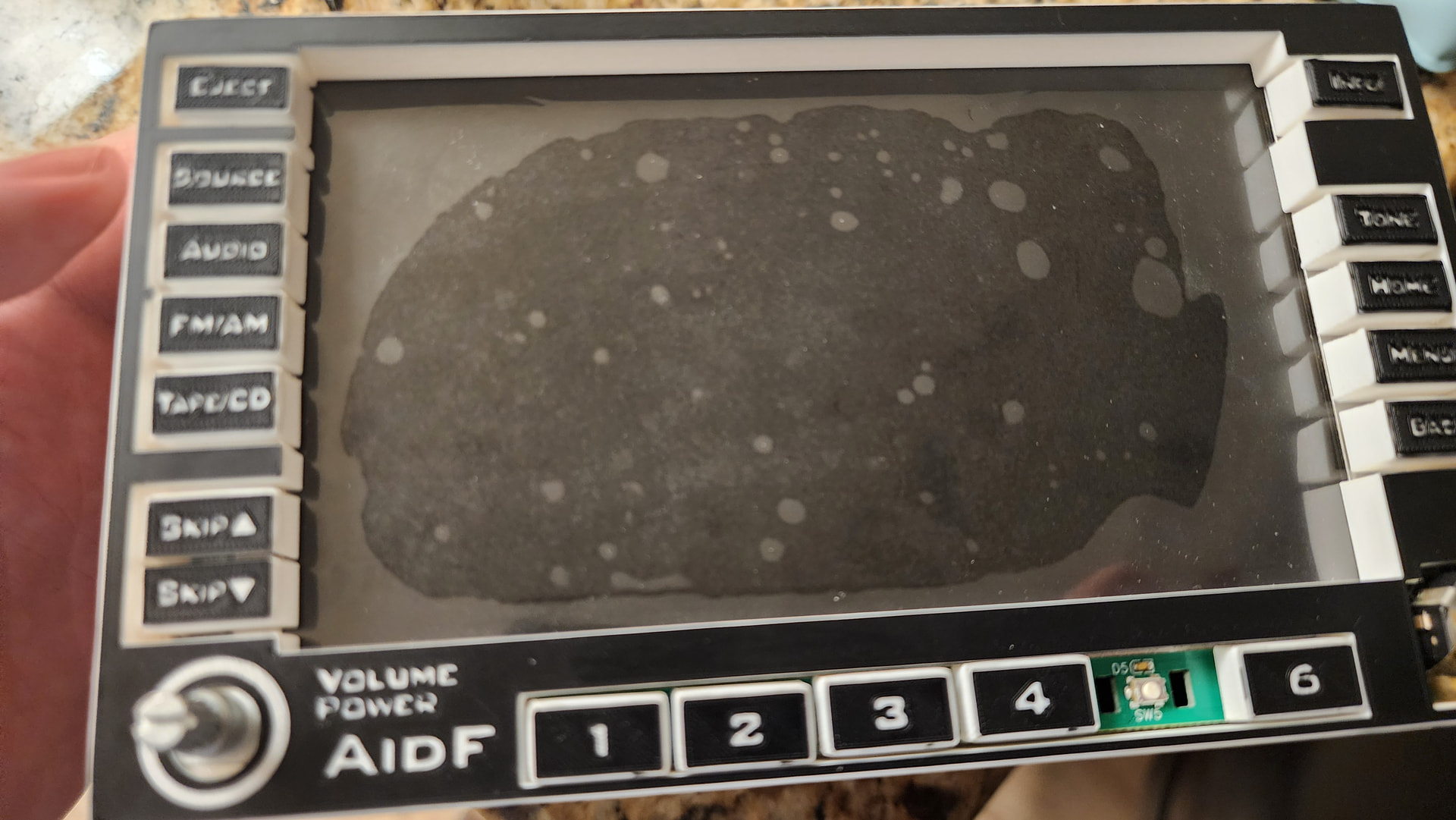
My end goal is to redo this. I have been trying to find a good way to make the text as clean as possible. I tried with a laser engraver (my own, not at Asmbly) and the plastic melted. What you see here is a two filament 3D print, that was a bit too blobby.