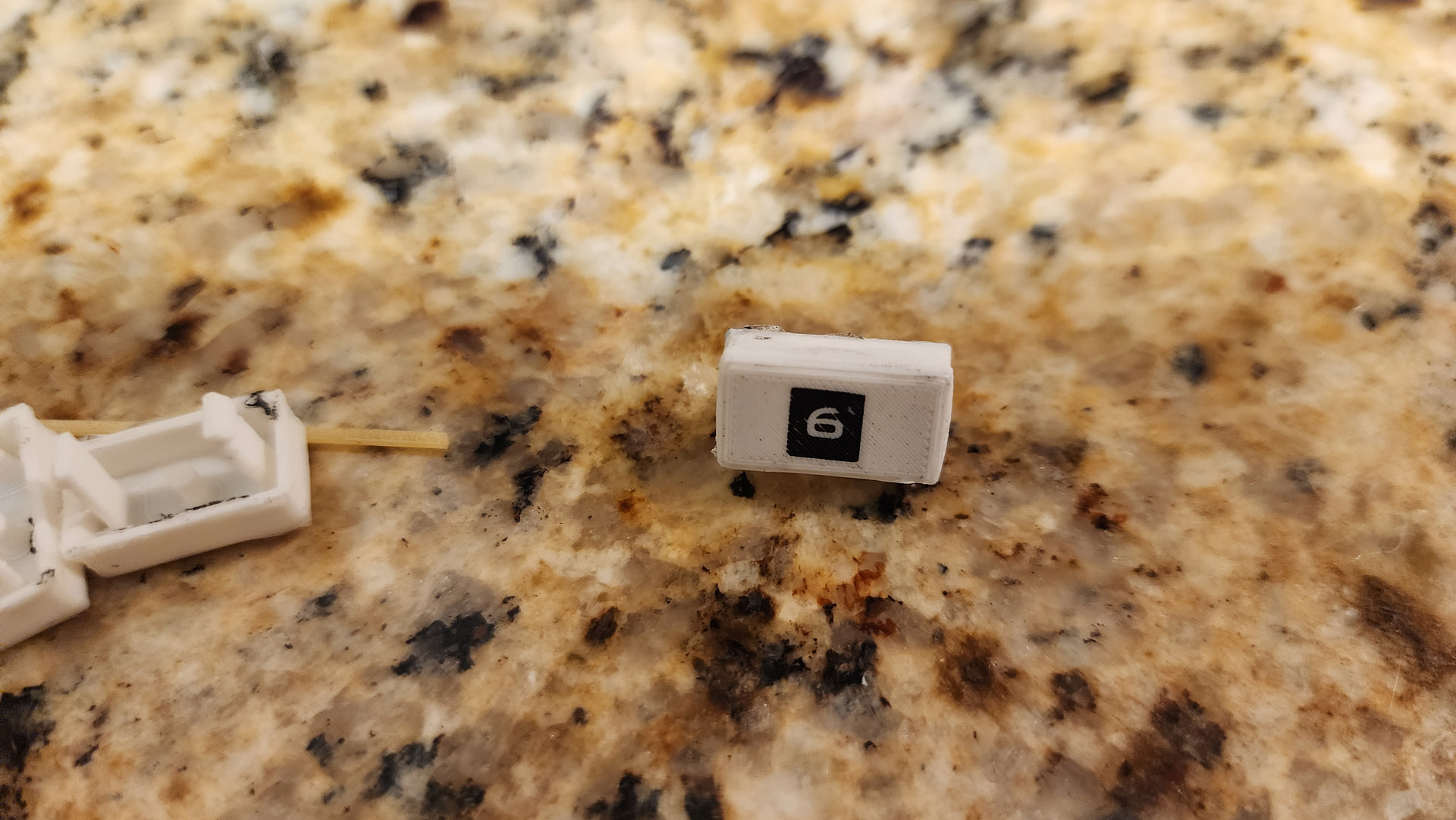
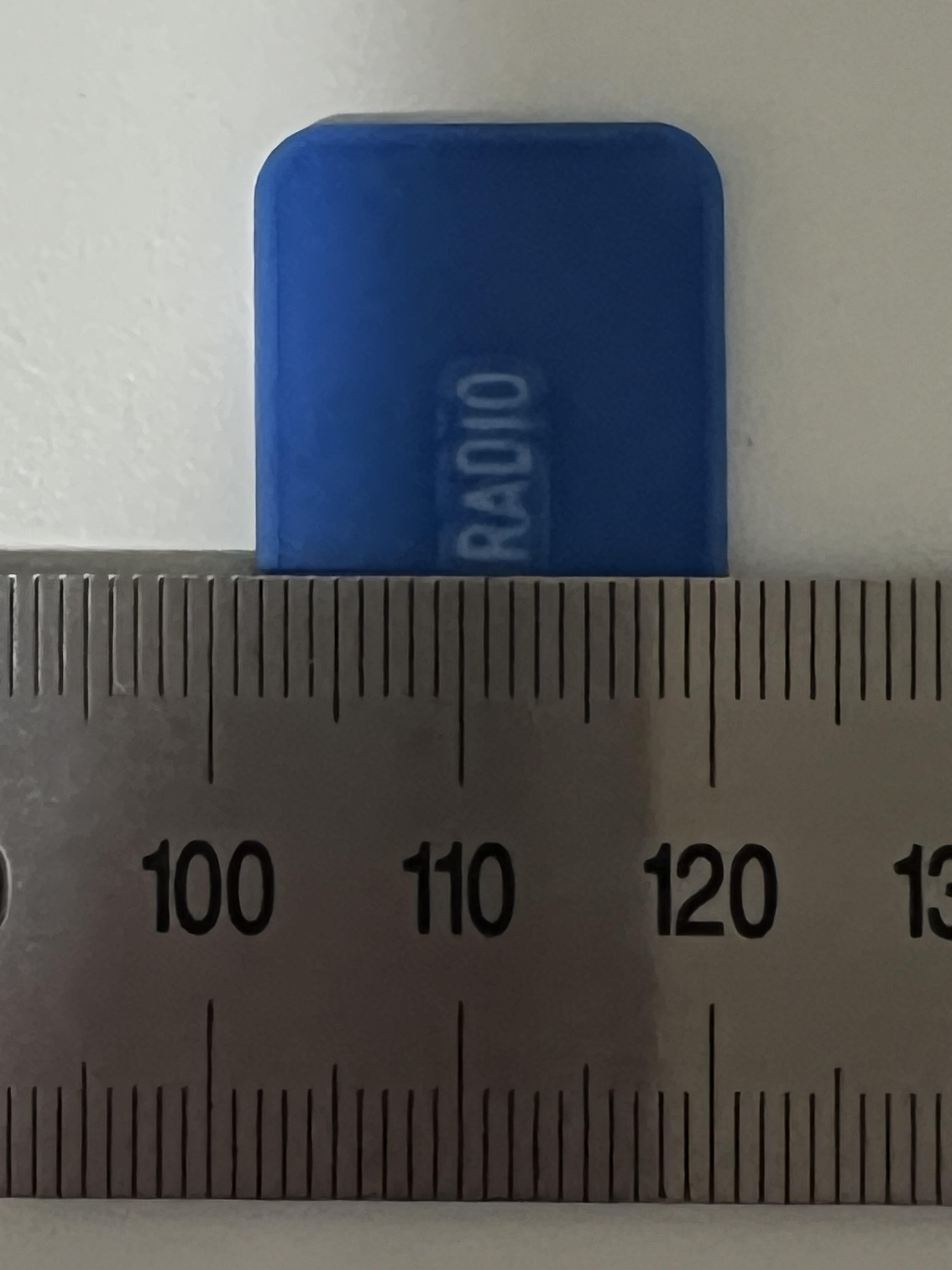
Hi all; as you’ve probably seen in my previous posts I’ve been trying to figure out a way to get backlit text on my infotainment screen for a few months now. Nothing I’ve tried has worked and I can’t really move forward on this project and install this thing (or any custom control panel for that matter) in the car until I find a solution. Here is everything I’ve tried and what didn’t work:
Laser Engraving: With my own laser, not the shop’s; this melted the plastic since I don’t have the correct type of laser
Laser Engraving Service: One was recommended to me a while back but they are across town and only open on workdays, I would never be able to get there before they closed; Google doesn’t say who has the proper UV laser
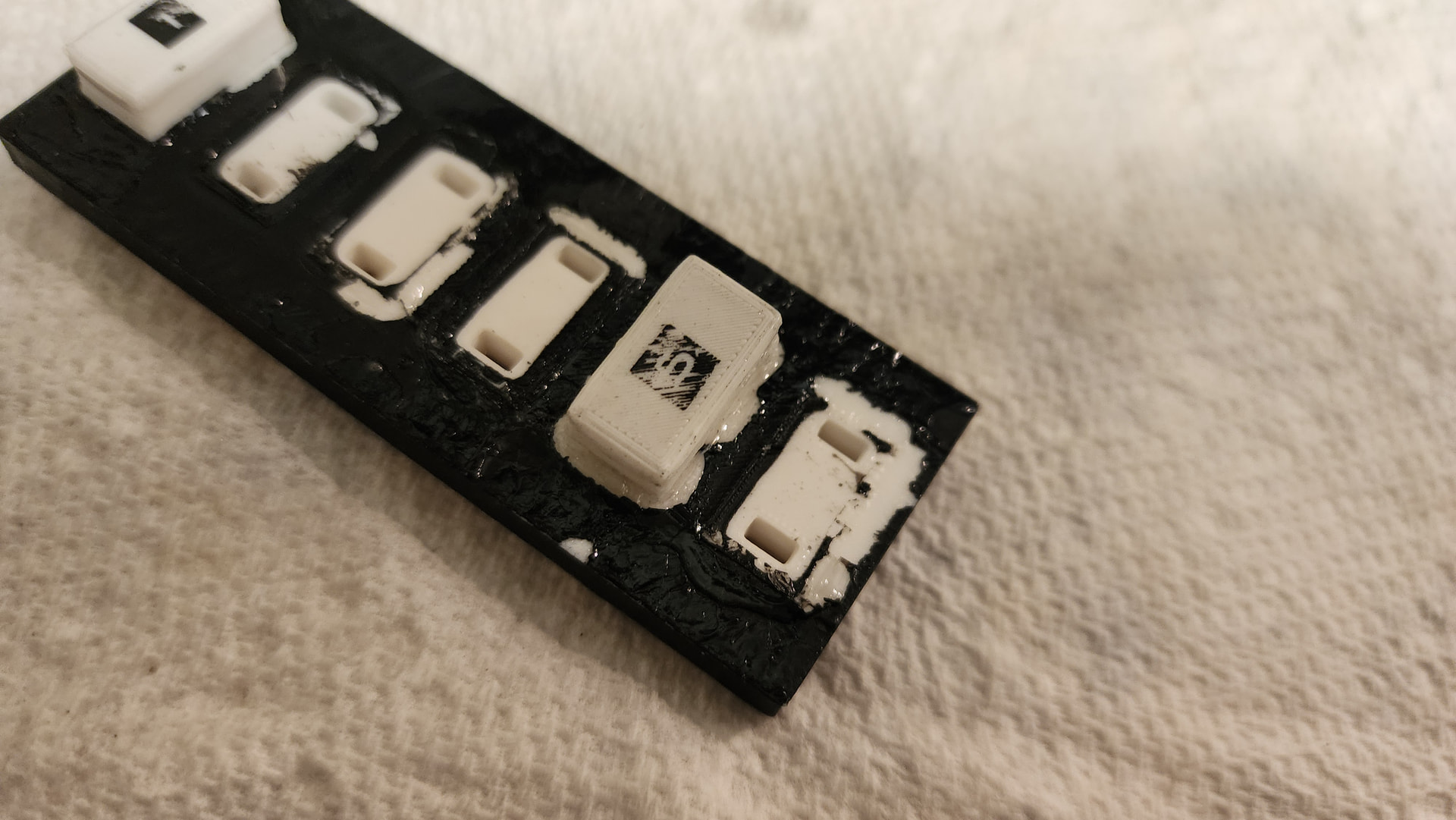
3D Printed Stencils: Paint bled underneath
3D Printed Opaque Layer: Text was blobby and not fine, also can’t color-match with interior color in the future
Cricut Stencils: Was unable to weed as the text was too thin, no cut width adjustment in modern Cricut software (text was 2mm high)
Laser-Safe Vinyl Stencil: I can’t seem to find the right product for this, what I got melted in my engraver
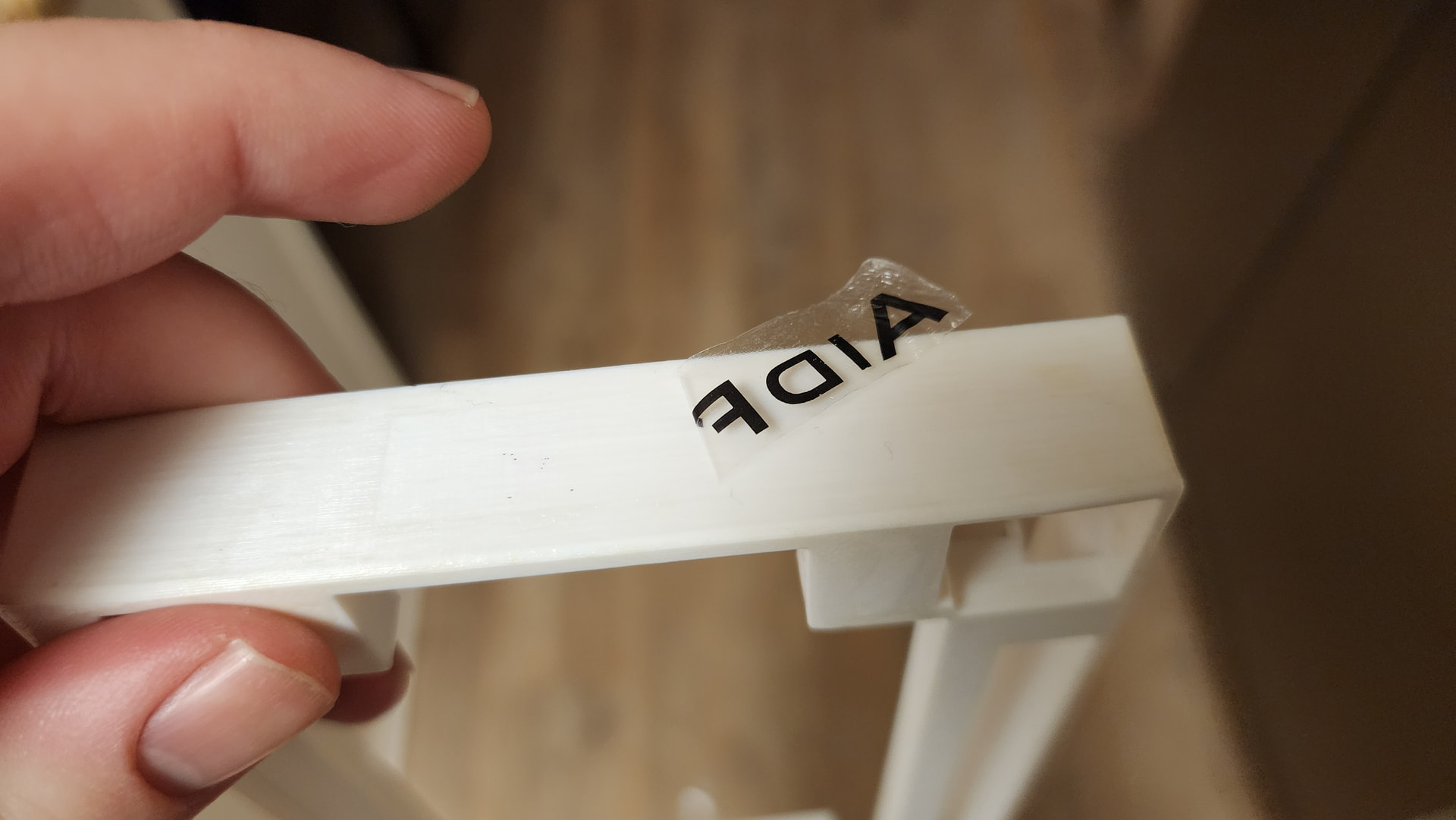
Dry Temporary Tattoo Paper: I probably should’ve known that this would be a film instead of a way to make toner into a sticker… (can’t be used as a stencil)
I’m kinda out of ideas here… Is there a thickness setting in Cricut Designer I can use to widen the cut and make weeding easier? Does anyone have any recommendations for laser-safe vinyl I can use to make a stencil? Or another laser-safe material (preferably adhesive) that weeds easily? Any other ideas? This project has been my life for the past few years now, it’s near completion, and I would hate to be defeated by this…
I haven’t seen your previous posts so not sure if this is what you’re looking for, but I’ve laser cut stencils out of mylar sheets on Tarkin. I haven’t tried adhesive backed but they do make them.
Not sure I have any specific recommendations other than the previous ones. However, this does remind me of the DIY key cap making difficulties I’ve heard of. They also are trying for the level of precision that you are I think. Maybe some keyboard related search terms could lead you somewhere?
I checked, it looks like they are done with specialty equipment. But I thought of something else.
I got this film-free waterslide decal paper a while back that, with several tries, worked great when labeling an electronics enclosure. I was thinking I could add the negative text labels and paint around that. The problem is, with ABS plastic, results are quite varied. I got a hair dryer to speed it up and while some transfers were perfect, some weren’t. Does anyone have any experience with this? I’m thinking I didn’t wet the transfer film enough.
You should get someone with resin printer training to print them there in tough resin.(still use your above decal) I have not had UV issues etc. my schedule is a bit hectic or I would do it
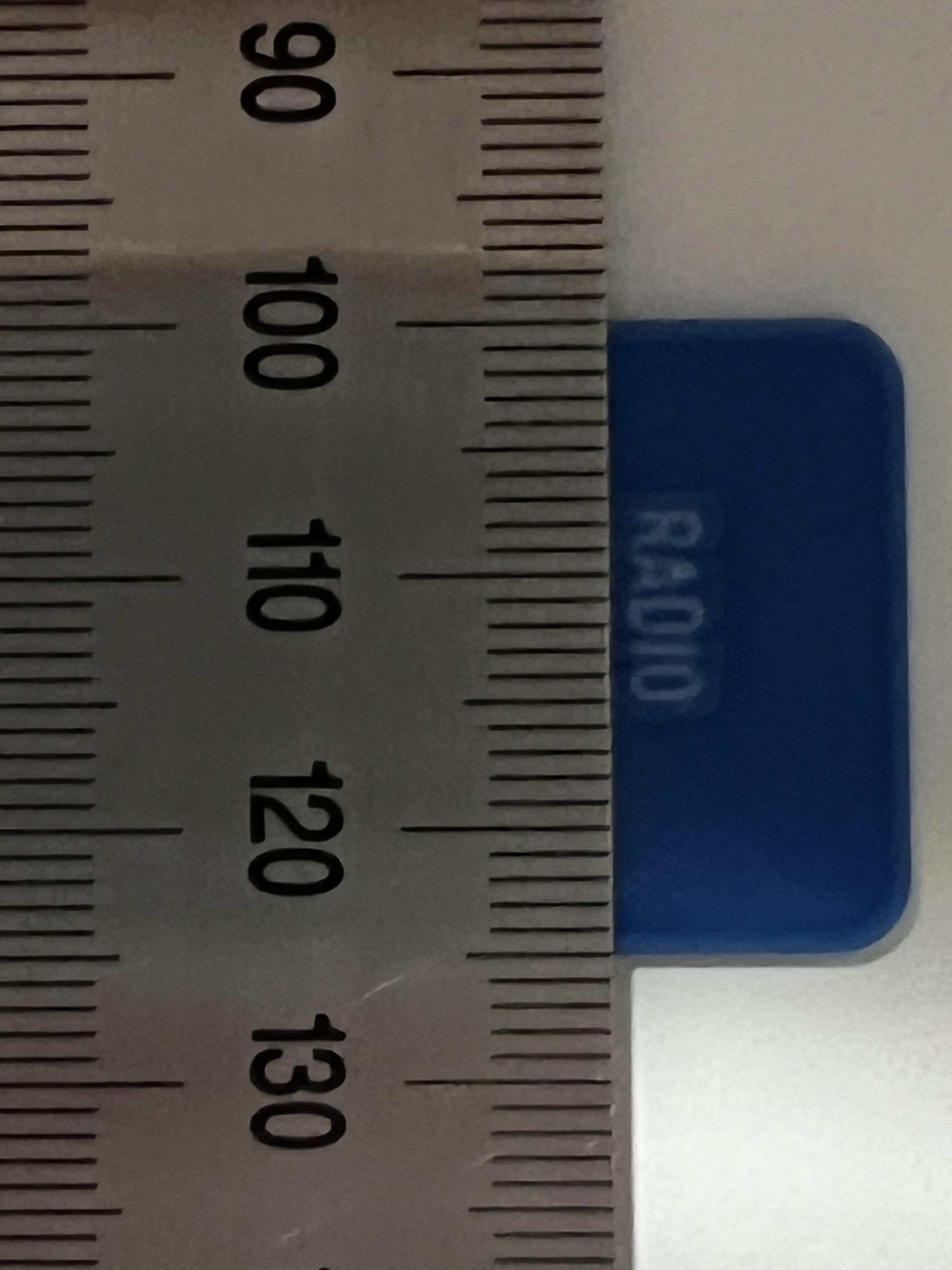
The Bambu with 0.2 nozzle should work. Here is a sample print I did with white and blue in PETG. I think your text is bigger than this so with translucent instead of white it should work. Can you send a sample fusion file of just the button and I can try a test print for you? Or maybe just the text size and font and button size and I can gen up a test file.
That actually could work. Sorry for the delay. I designed in FreeCAD, which is free to download and use. I removed the text markings for printing for the above method (which didn’t work, the light bled through the toner) but the sketches are still there. I will send the file now- let me know if you have any questions. Thank you!!
I was able to open your FreeCAD file and see your part design…but I’m not a FreeCAD user so unfortunately was unable to modify them so that they could be printed with the lettering with the translucent filament using my Bambu Printer.
So instead I tried to re-model a partial part representing what the face and backlit part of the button would have to look like. I’m thinking perhaps you could insert the faces from separate prints separately if the file cannot be easily modified.
Also I was concerned that the protrusion for actuating the button would block light from getting to the letters on the front.
The general size of the printable area seemed to be 14mm x 6.5mm for the right side buttons and I guesstimated the button actuator to be about 3mm in diameter.
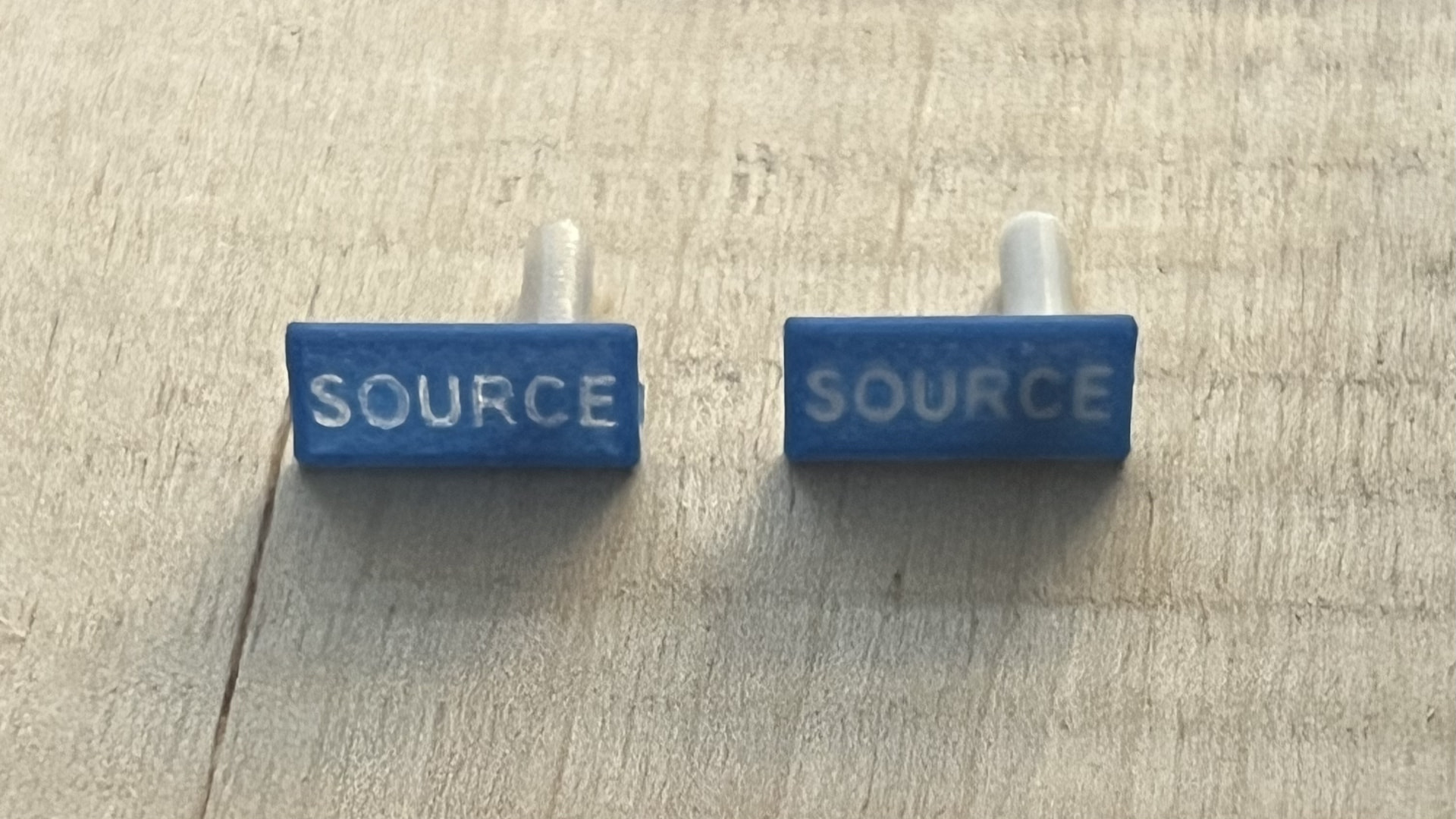
The end result is that using letters 2.6mm high it is pretty readable…_except_ the light gets blocked out where the button actuator is attached. Here’s a photo with sunlight backlighting. The left side test is Translucent PETG for the letters and the right side is White PETG. As you can see the button peg blocks the light quite a bit in that area of the button.
A few questions come to mind:
Can you modify one of the button parts to have the embedded separate bodies for the letters?
Also could you update your design to not have the post right behind the letters?
What orientation do you print the parts? The button assemblies seem to require a lot of support in all the orientations I explored.