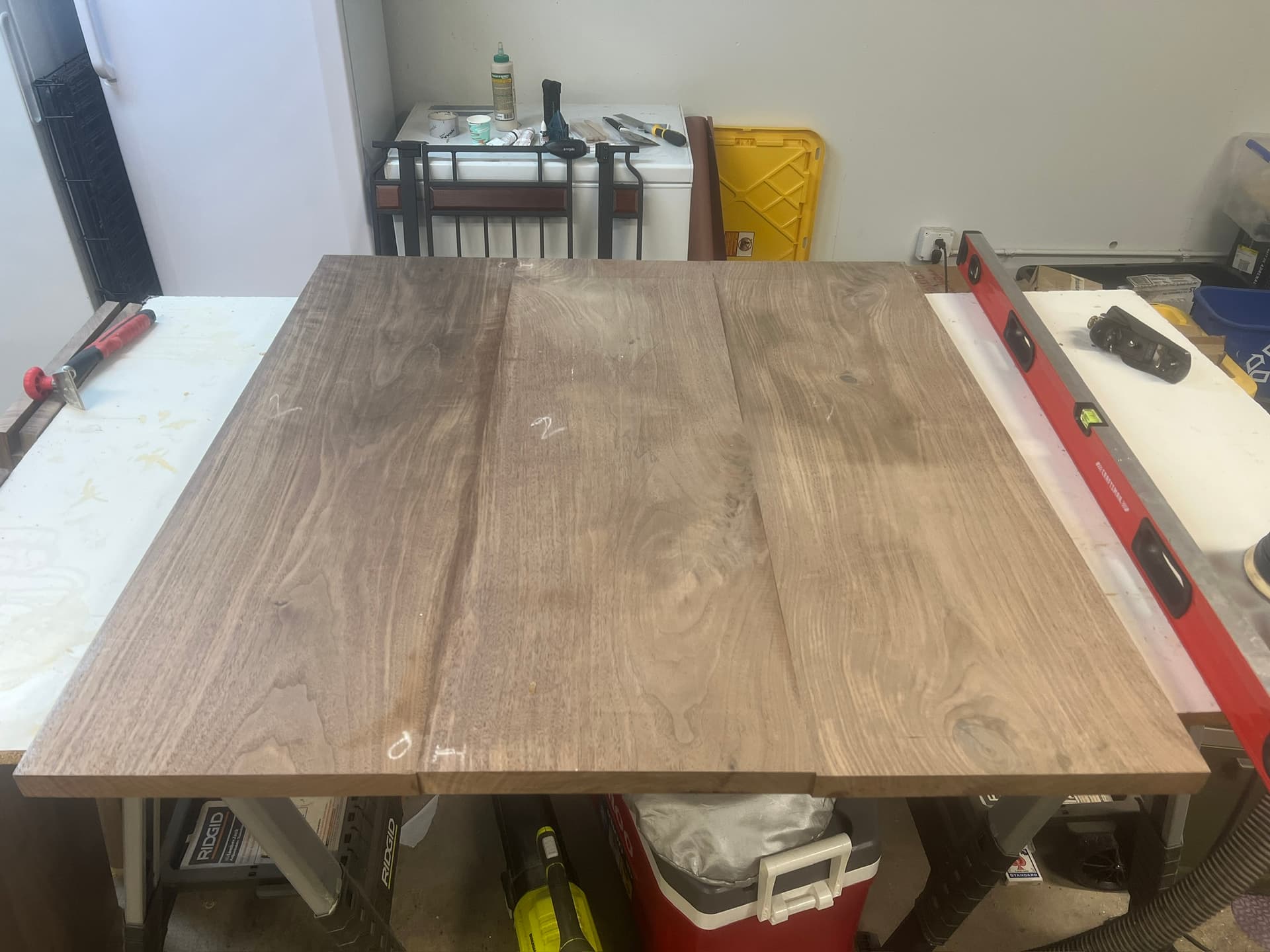
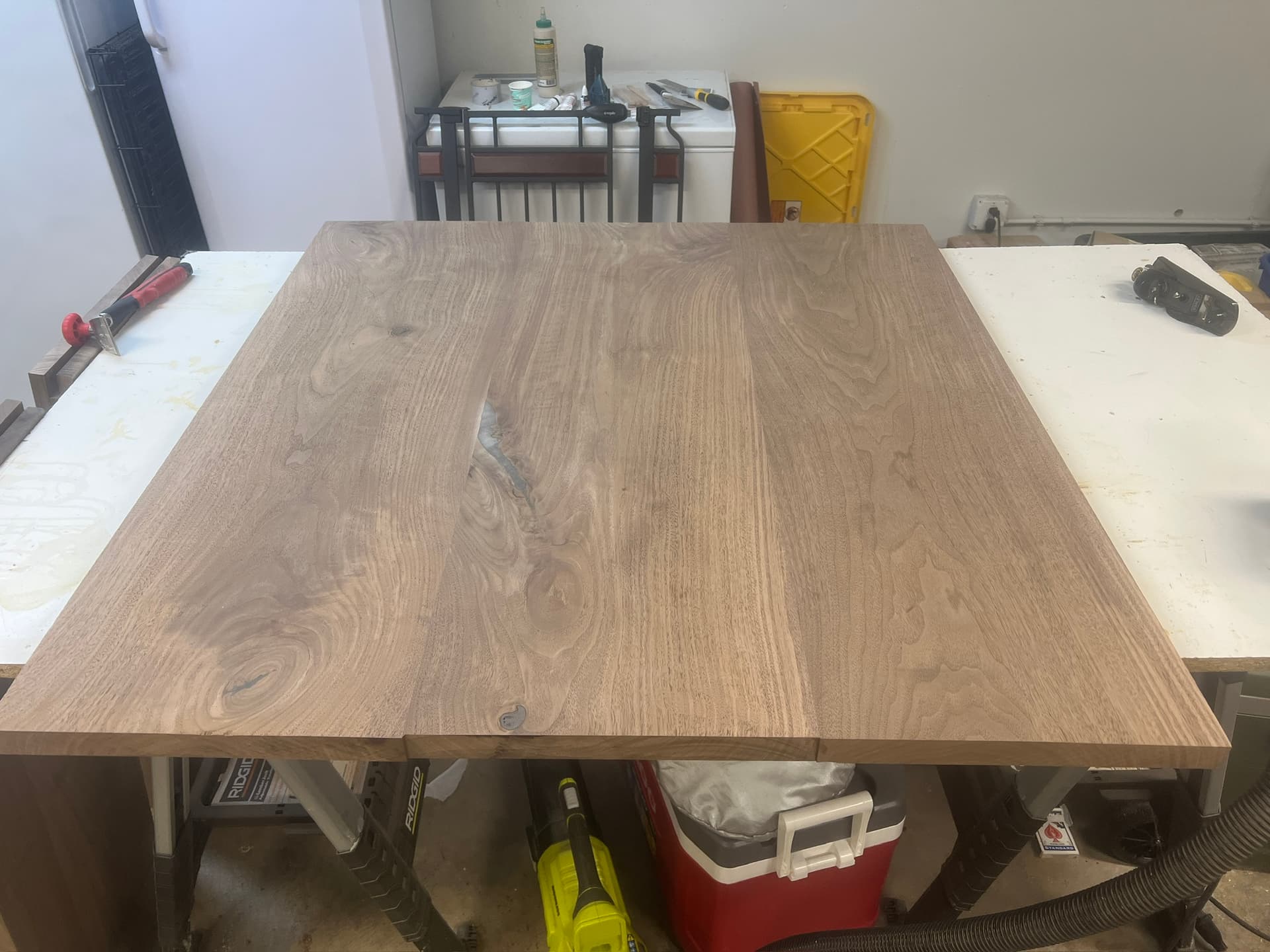
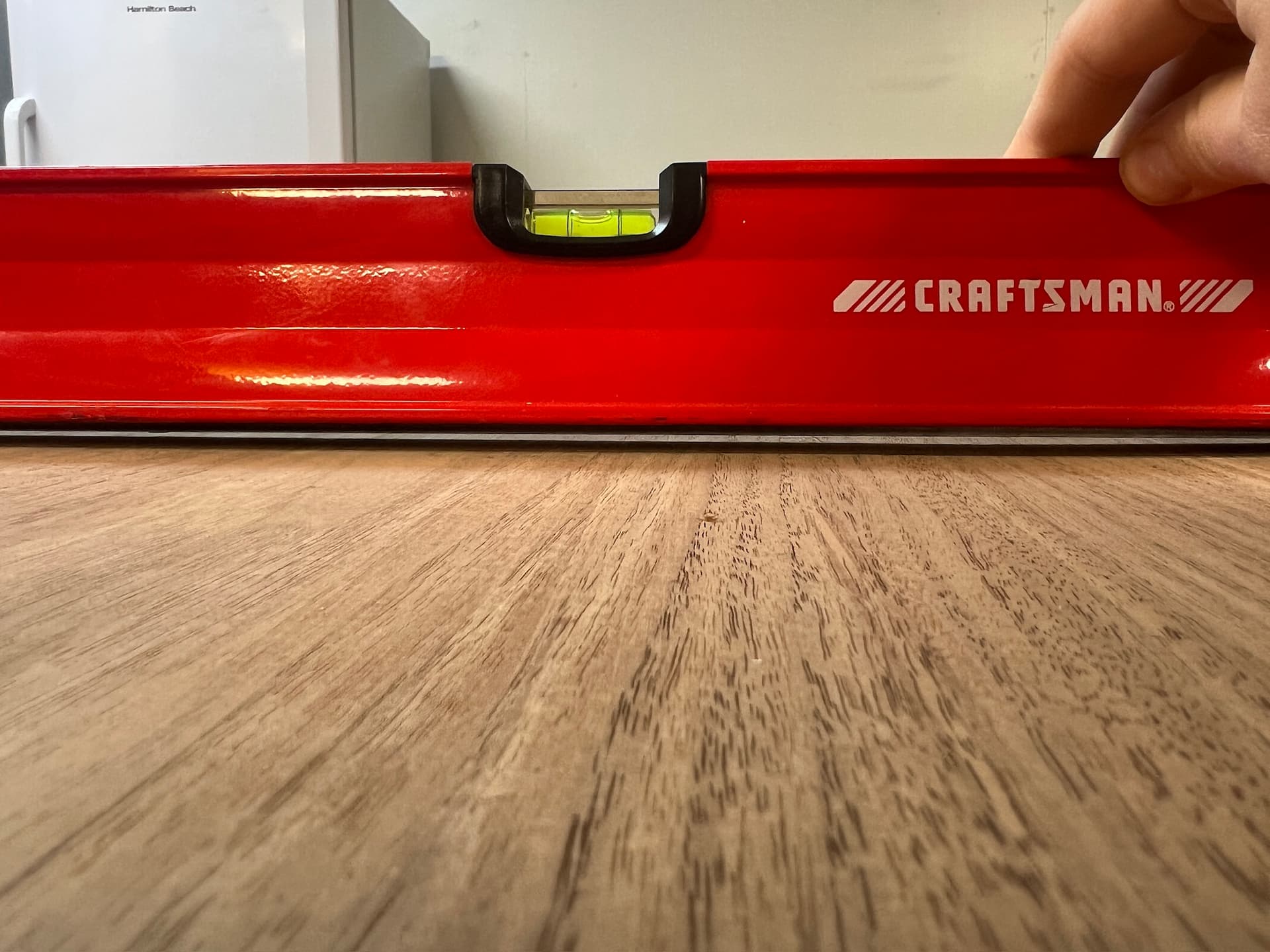
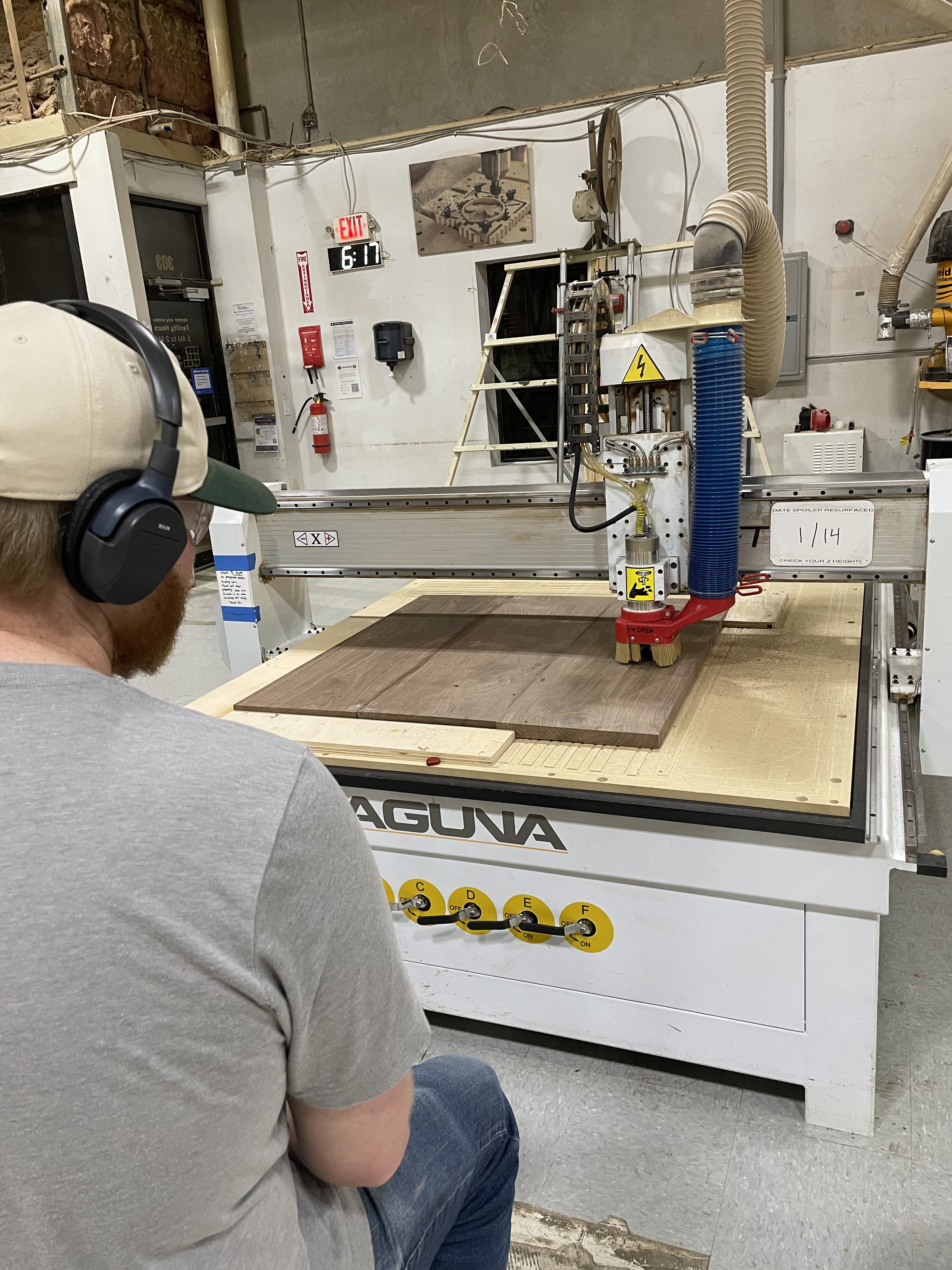
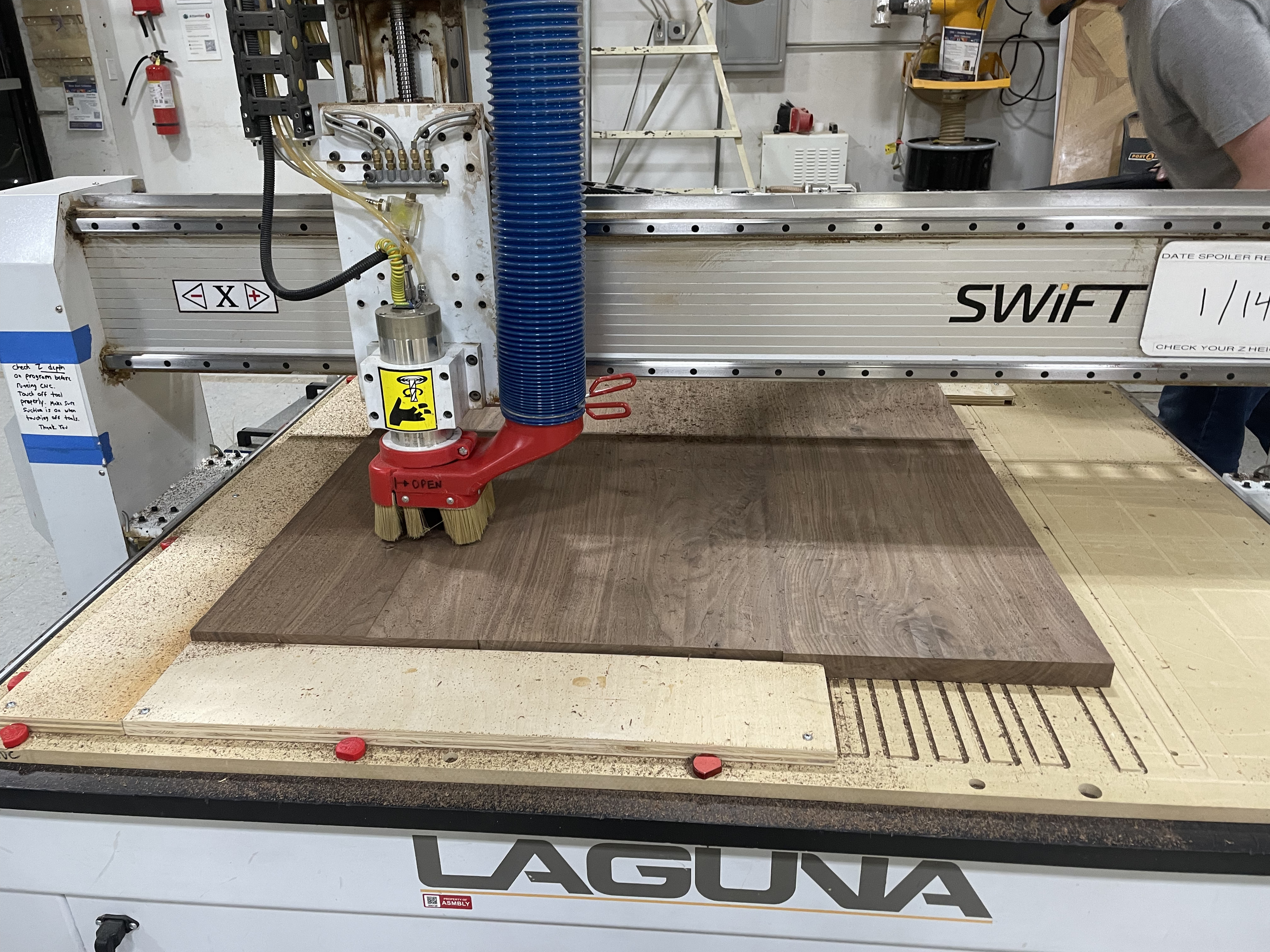
It’s been a couple of years since I tackled a CNC project, and in those years we’ve made several upgrades to the big CNC — so much so that I was struggling with recalling the initial setup steps earlier today when I booked time on the big CNC.
Would one of the more regular CNC users be willing to take 15 minutes to help me get my project setup? I’m flattening a ~40”x40” panel, so setup should be relatively easy, I just don’t want to forget any crucial steps.
Feel free to send me a message directly in order to coordinate timing. Thanks in advance!
Agenda: You and I will set up your material on the big CNC, then, when it comes to doing the step-by-step control of the device, we’ll talk though it, and you’ll do it. In other words, you drive and I “back-seat” drive. Is this OK?
What are you trying to accomplish by flattening a ~40”x40” panel, I assume you will be bottom flattening, flip it over and top flattening. Are you doing anything with the sides or other things? Can you post a picture of your panel.
Have you got a VCarve file for your flattening operation? Do you have an end mill for flattening?
That sounds great @bwatt ! To answer your questions:
I just need the panel to be flat and parallel, so yes, my plan is to flatten the top first (the cup of the panel makes the top preferable to flatten first, rather than the bottom) then to flip it and flatten the bottom. I don’t have a finished thickness I’m aiming for, I’m simply trying to flatten the panel while removing as little material as possible (there’s only 1/16” - 1/8” of material to remove). I’m not doing anything with the sides - I’ll square those up with a track saw and table saw later.
I do not have a VCarve file for my flattening operation. I recently switched from a PC to a Mac, and to my knowledge, VCarve isn’t supported on Mac. If that assumption is outdated, please let me know! My original plan had been to create the flattening path in VCarve on a computer at Asmbly - is that doable?
Yes, I have a 2” end mill flattening bit
Feel free to shoot me a private message to coordinate details if you’d prefer.
I have a PC with VCarve on it at home, so we’ll use the big CNC’s computer when we are there to generate the GCode. I have created a file to flatten your 40x40” top & bottom. I am assuming that the end mill is 2” and it should overlap its raster pattern on both the front and back by 3” to run past the edges so it doesn’t leave turn-around marks. See attached file which I’ll bring on a USB drive.
I’ll bring some 3/4” plywood to use to create a fixture to screw into the spoilboard and tightly anchor the sides of your piece. They are about 6”x36” and will mount against the dogs on the left and bottom sides. Then a third one (90° angle) will hold down the top right corner.
I think we’ll also need some thin furring strips to shim under the warp to support and level your stock. We might need to create them from some scrap cart wood. You want to surface it while it is supported without forcing it into a new shape.
I have a pair of wireless headsets to use which should help us to talk when the dust collectors are running.
I will bring a drill and bits. I also have a 2.5” flattening end mill (slab slayer) as an option. The hold down screws are at Asmbly.
See ya on Friday!
BillyBegalaFlatten.crv (52.5 KB) - P.S. It says it’ll take about 20 minutes for one flattening pass, and we’ll need at least one or two for the front and one or two for the back.
Reminder to folks that these 5x10 sheets of MDF cost about $90 each and take about 1-2 hours to replace, surface, and prepare for cuts. If you happen to be the one to totally botch a session (I know I’ve been there) please donate to help us replacing a new one
I just want to add that I enjoy meeting other in our community, and helping them get started on the big and small CNCs. If anyone has taken the CNC class, and wants someone to be there with them when they begin to use the CNC, please contact me @bwatt.