Problem Type: Equipment
Workspace: Textiles
Asset: Sawgrass Sublimation Printer
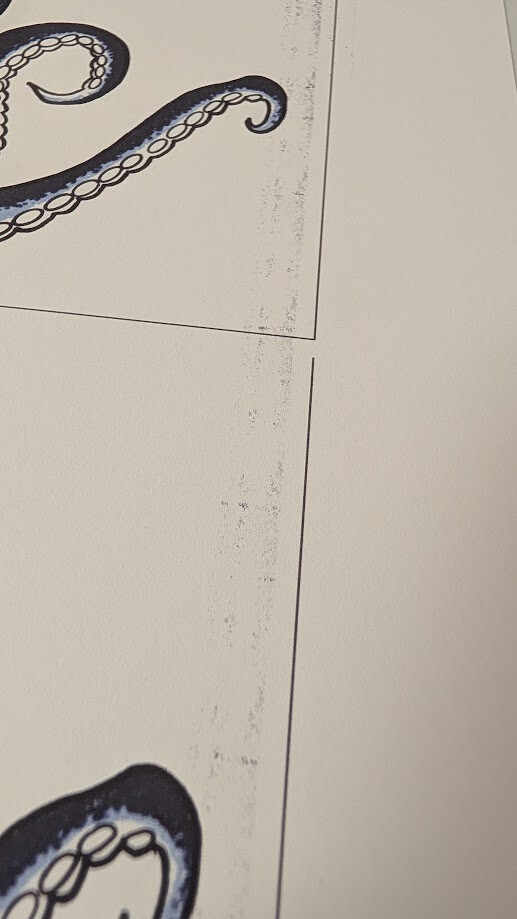
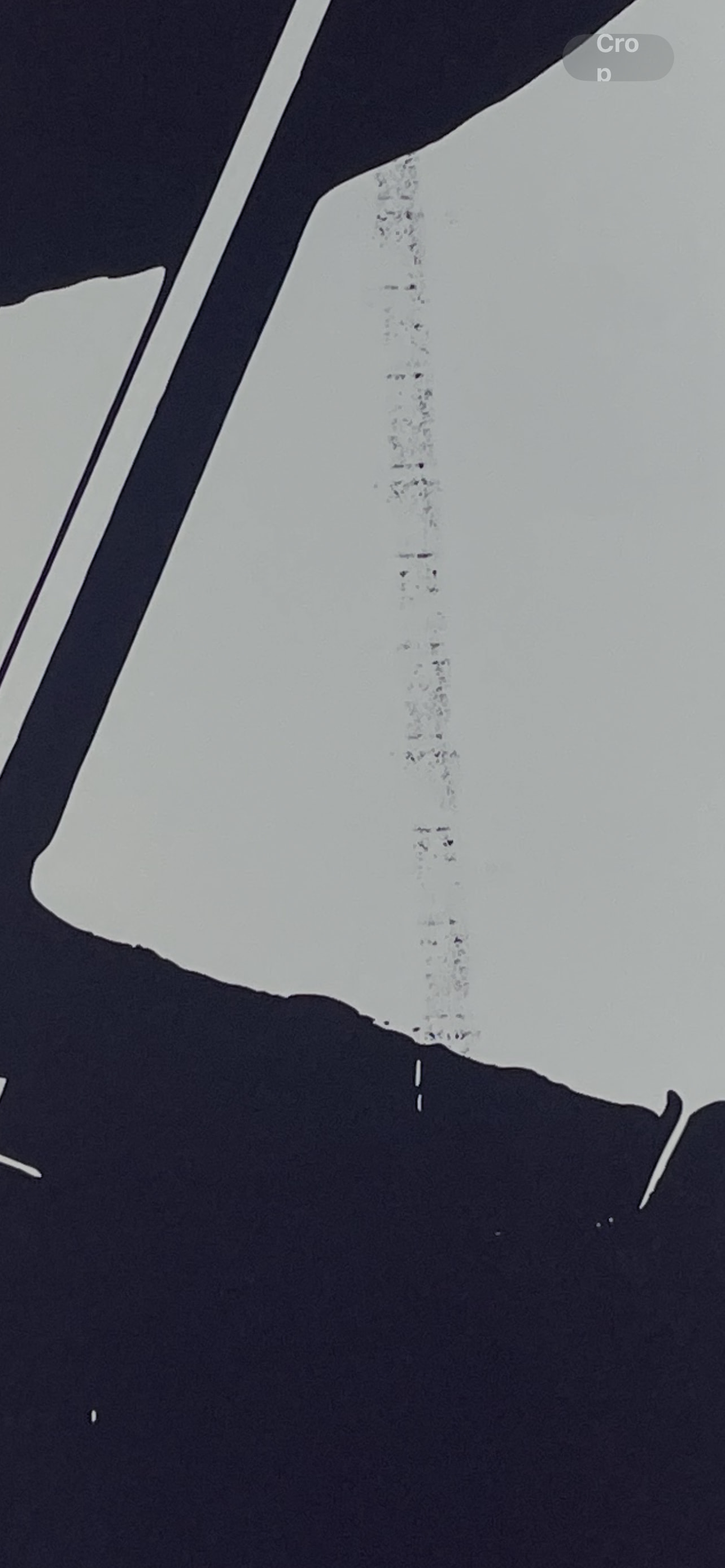
Summary: Sublimation printer leaving ink streaks
Additional Info: Sublimation printer is leaving streaks of black sublimation ink on the sublimation paper when the design contains black ink, didn’t do it on other non-black ink heavy prints.
Report generated from a filing. This report has also been sent to Asmbly staff, leadership, and space leads with any contact info that was provided. Provide additional photos or resources here to help. When the problem is resolved, ensure it is marked.
Going into Asmbly on Sunday afternoon, will try to replicate. If it persists and I can’t fix it, I will yellow-tag the printer and order a replacement cartridge.
It looks like a wheel/roller depositing stray ink, but I wasn’t able to fix it today. We’ll have another person take a look at it, and will reach out to Sawgrass technical support if need be.
In the meantime, the printer is yellow-tagged and usable for small/medium designs. The stray ink can be avoided by careful placement of your design and cutting away the streak-stricken part of the sheet.
I realize this is one of the more popular tools we have so more to come as we figure this out.
I’m not sure if some one does maintenance on the printer but once every few months you should do that. Also once a month you could either blow compressed air (take it outside) or use a shop vac to pick up paper lint created by the friction of the rollers and paper. Some people even cover the printer when not in use. Hate to be the bearer of bad news but eventually soon you’re going to have to replace some parts leading to a full replacement. But I’m not sure how old is the unit.
Starting to wonder if we’re already at that point – the streaks came back. I’m wondering if it’s an ink leak, a disintegrating roller, or something else entirely.
I happen to be out of town once more, but we do have folks looking at it. The tool is back to Red tagged again for the time being.
Depends, when they cleaned the rollers did they also clean the whole belt behind it? If they only clean one side or part of the roller/belt without rotating to clean the rest obviously the problem persists. Now if it was done and came back, check the parts adjacent to the rollers or belts for cleanliness. Maybe a top to bottom cleaning is needed. Could be this simple: is the paper being used so high quality that is being marked so easily? Or is it the right kind of paper? I know it sounds basic or stupid but often the simplest solution is overlooked. The post does not give enough information. As always, have a great day!
I made both the reports, if it’s helpful, the paper used was Printers Jack Sublimation Paper A4 125 GSM 8.3" x 11.7" and HTVRONT Sublimation Paper 11x17 (A3). You can see in the first pic (8 x 11) the weird darker black band on the cat and then black streaks on the white background in the 2nd pic (11 x 17)
Also can someone Red Tag the sublimation printer in Skedda so it doesn’t get booked and is there an ETA on repairs? I’ve committed to providing t-shirts to an org by 5/2 and will need to let them know asap if I can’t do it. Thanks!